Animation is a visual effect that adds movement to elements on a page and makes a website more dynamic and interactive.
In the website and content editor, you can now configure animation for any page element.
Select the element and click the “Add animation” button:

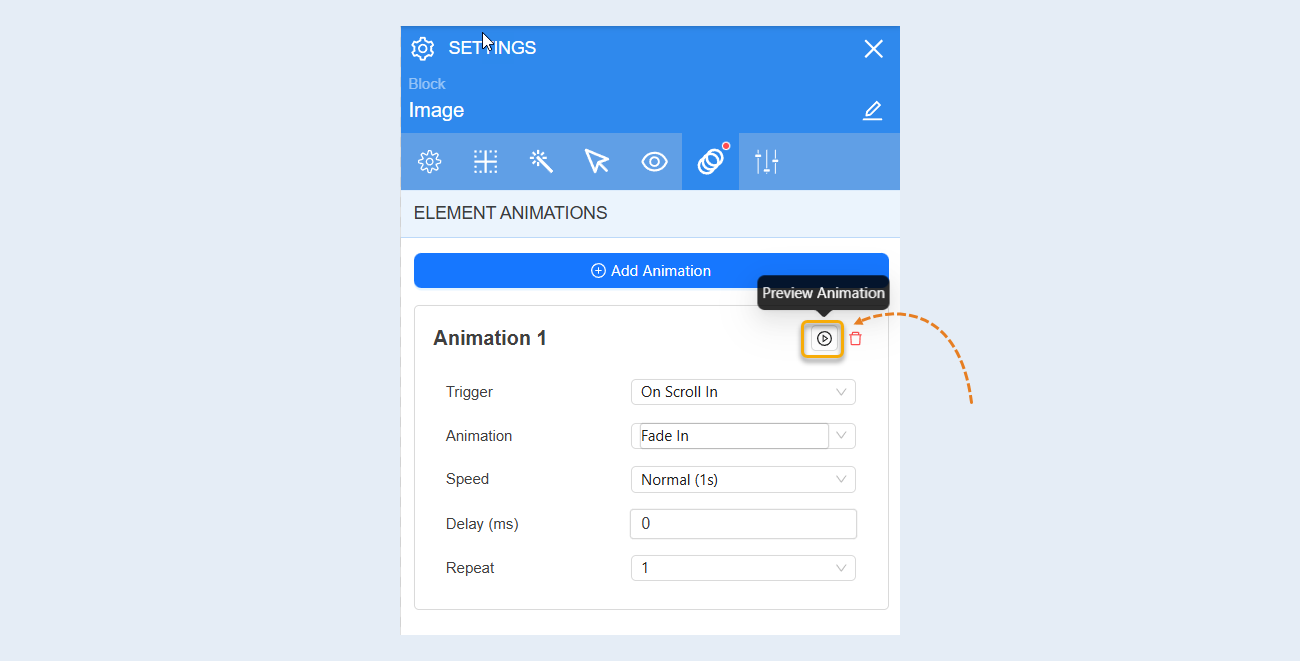
Preview. In the animation settings, you can select “Preview” to see if the animation settings you have previously set are suitable for you.
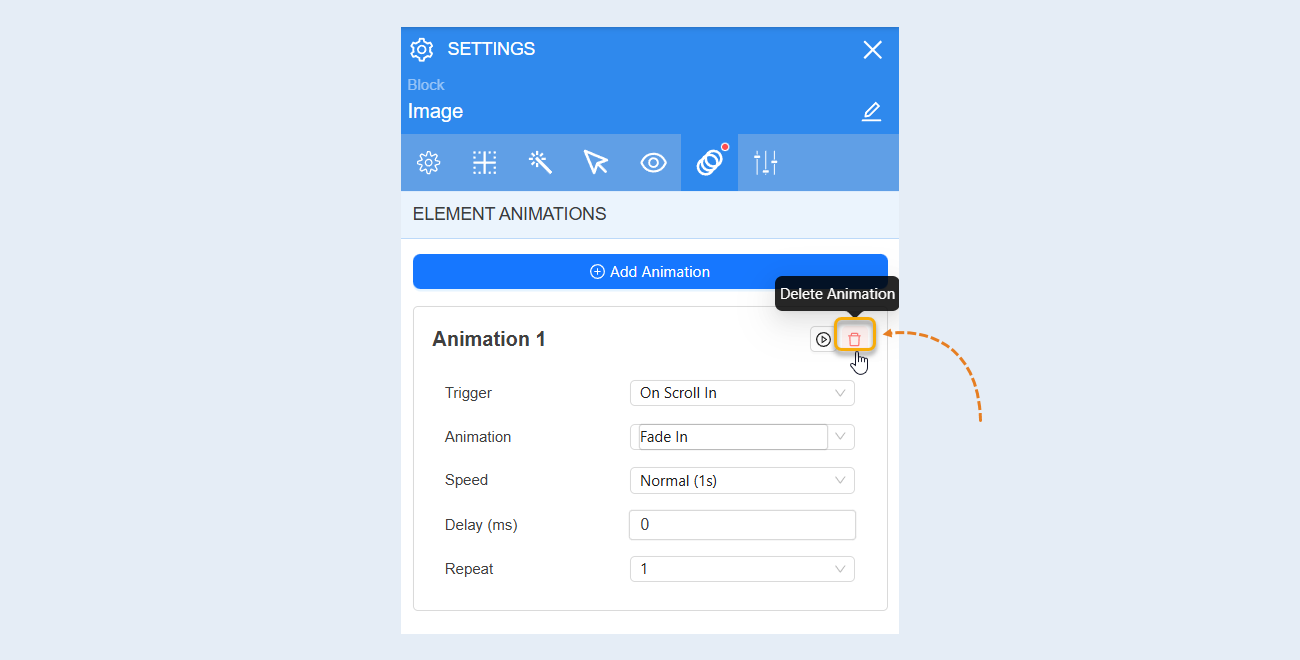
Delete animation. You can delete this animation by clicking on the trash icon.
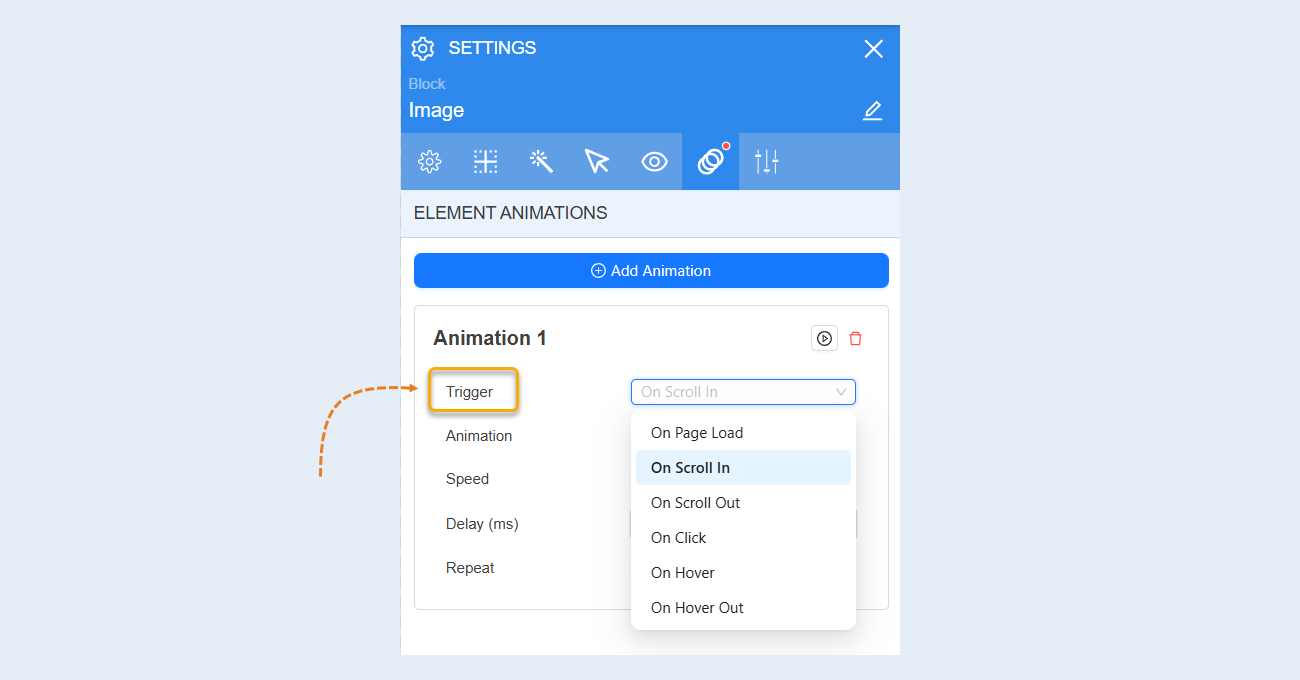
Trigger. You can select the event that will trigger the animation: page load, element appearance on scroll, element hiding on scroll, click, cursor hover, cursor removal.
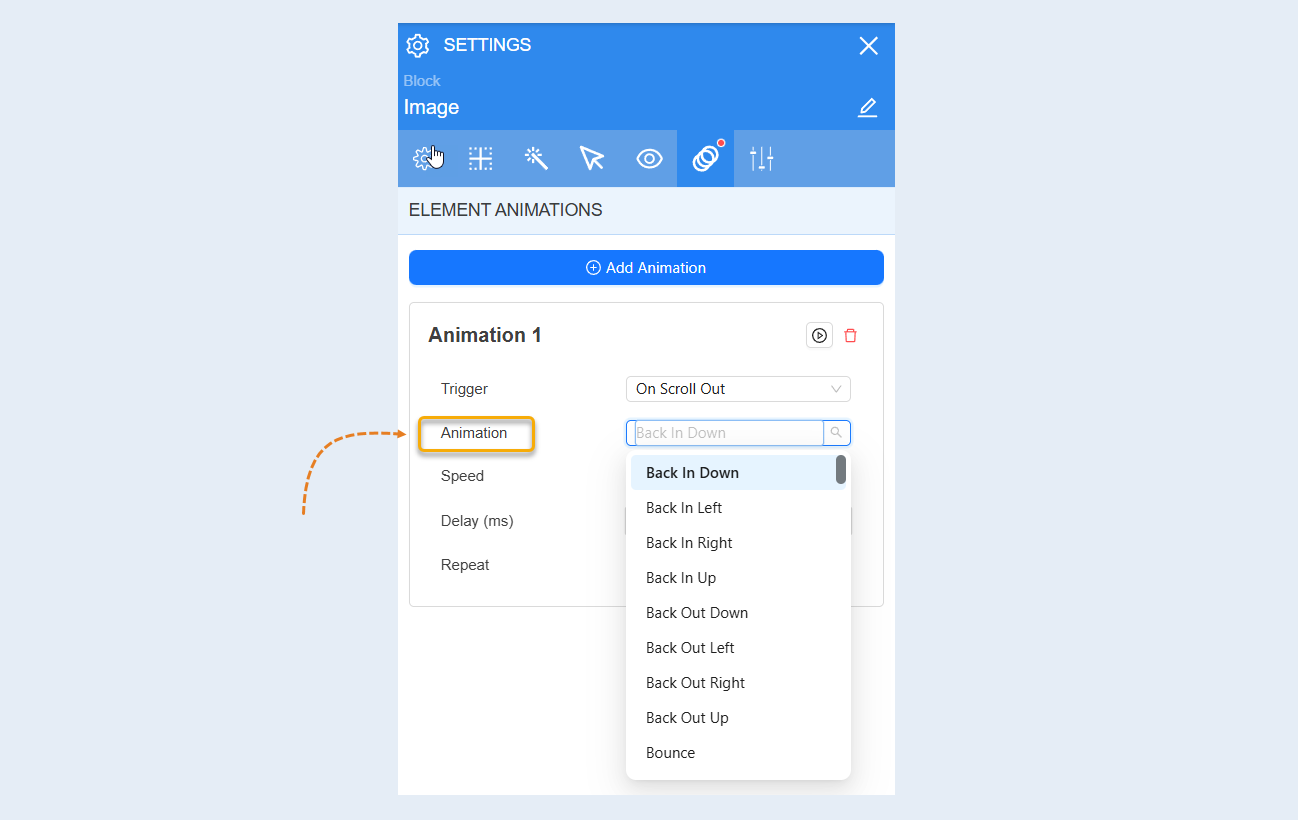
Animation. You can choose the right animation effect from a wide library with over 200 animation options.
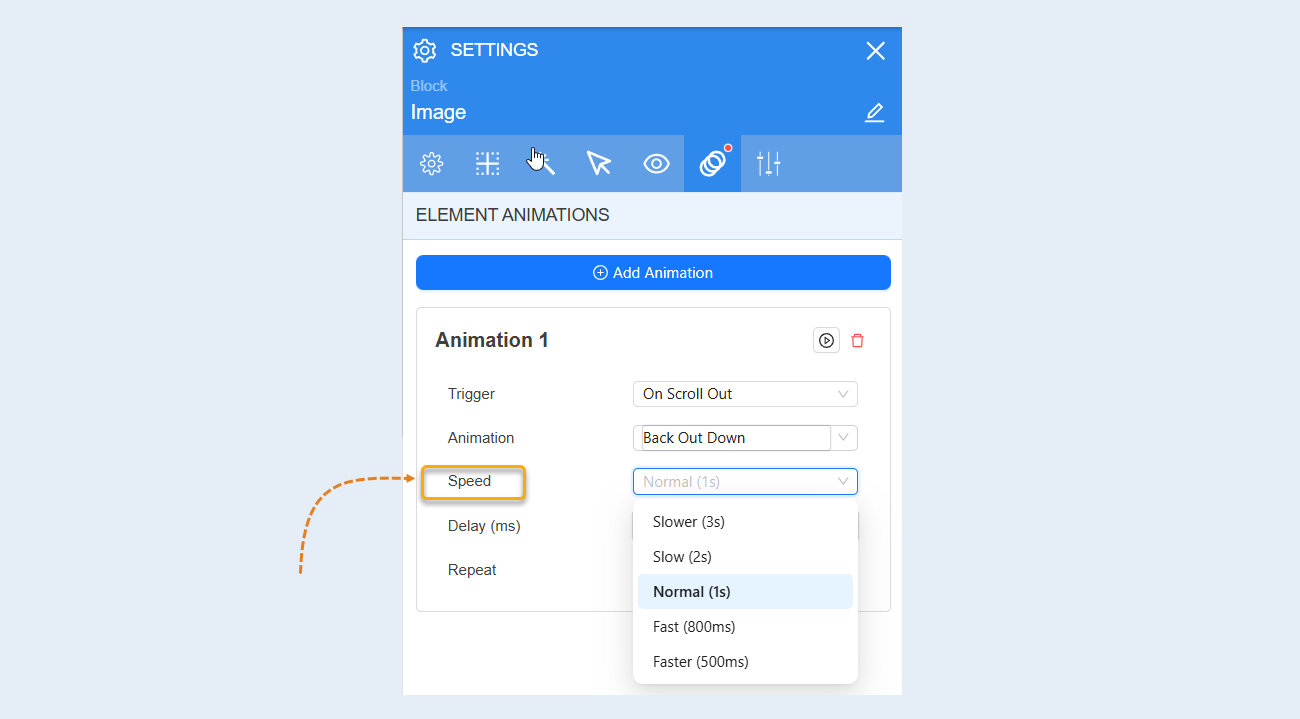
Speed. You can choose the speed at which the animation will be displayed.
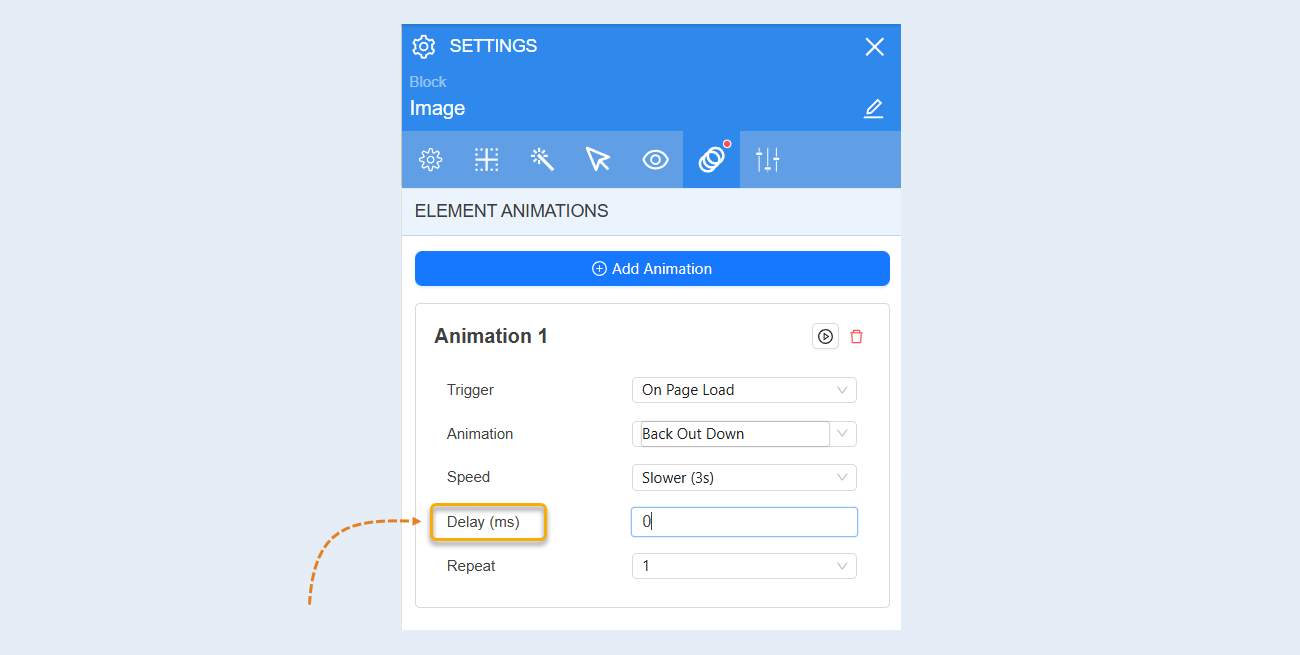
Delay. You can set a delay before the animation starts.
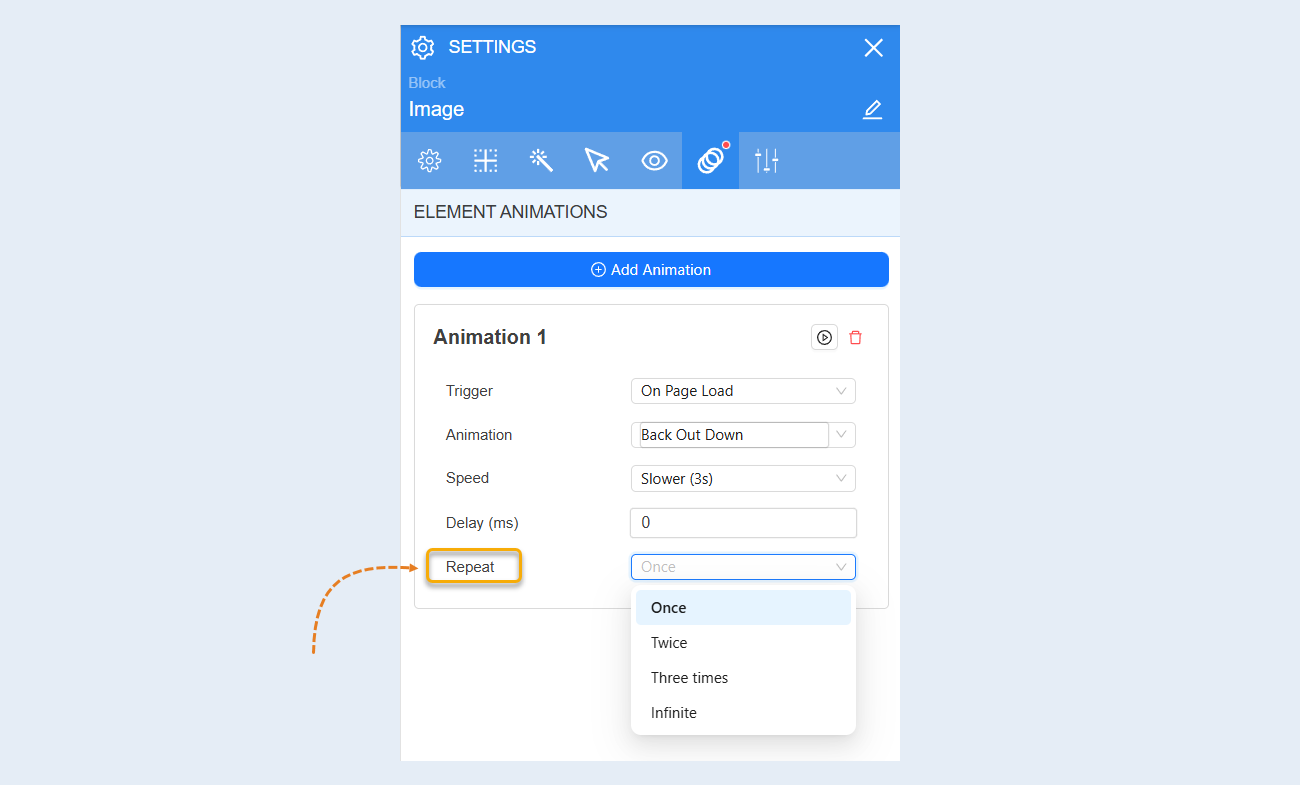
Repeat. You can set the number of times the animation will repeat.