Direct Message. A block for posting user reviews. Increases the credibility of the product through social proof. It is used on course pages or in the main sections to attract new users.
To add the block to a site page, navigate to the page editor. Click the 'Create New Block' button and select the 'Order Fulfilled' block. You will be presented with several block options designed in different styles. Click on the corresponding block variant.
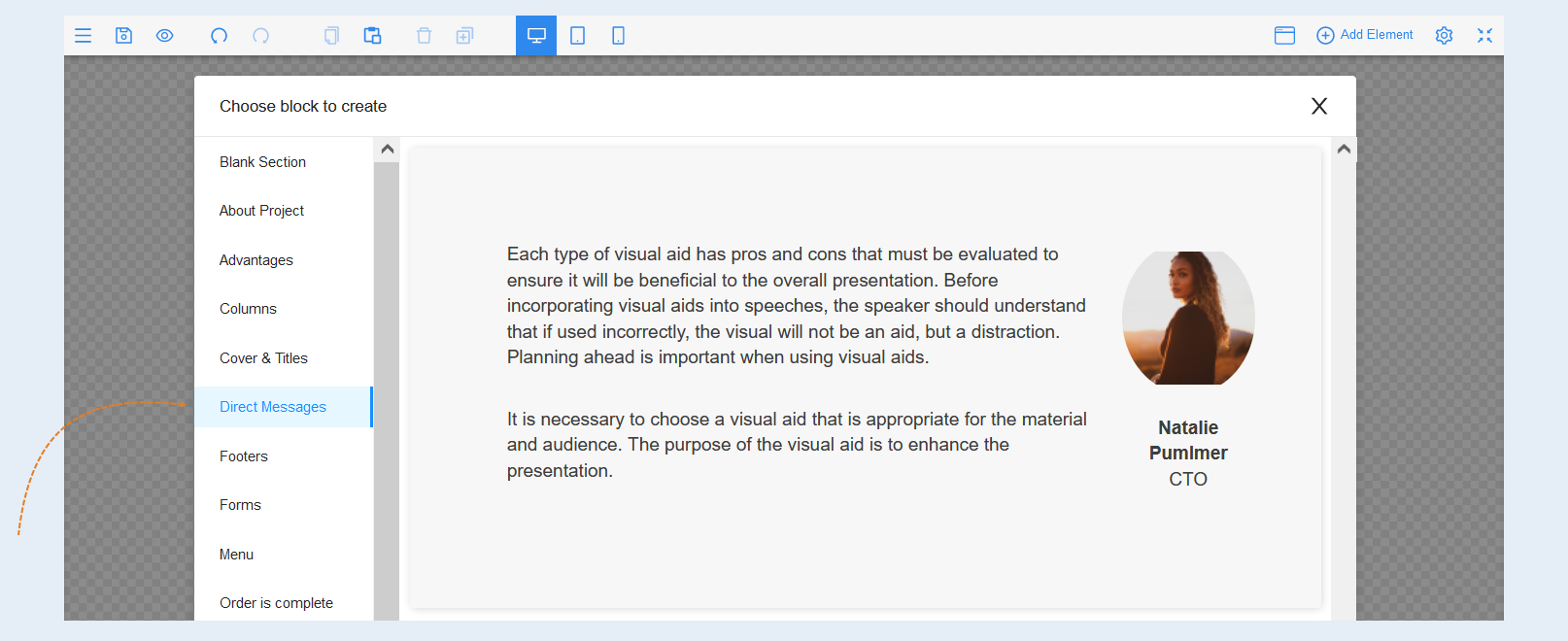
Select the entire block to open the settings for this element. A toolbar opened on the right.
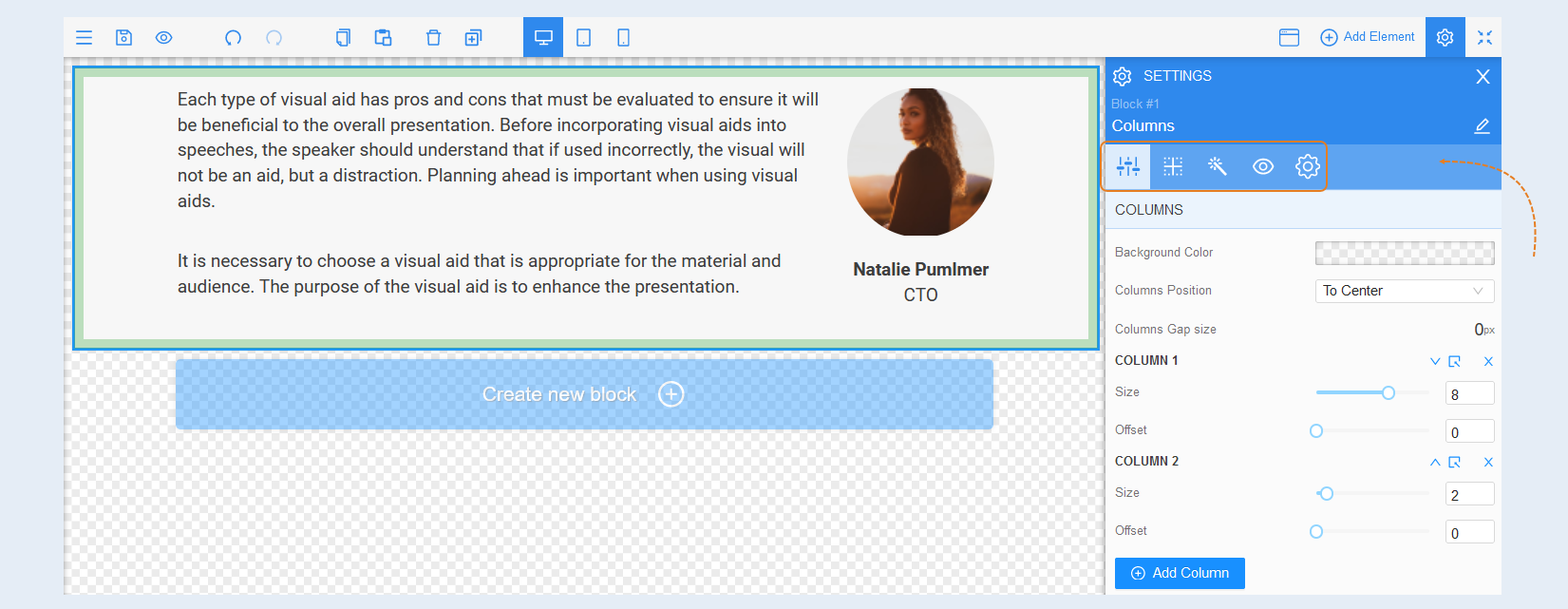
Element Settings
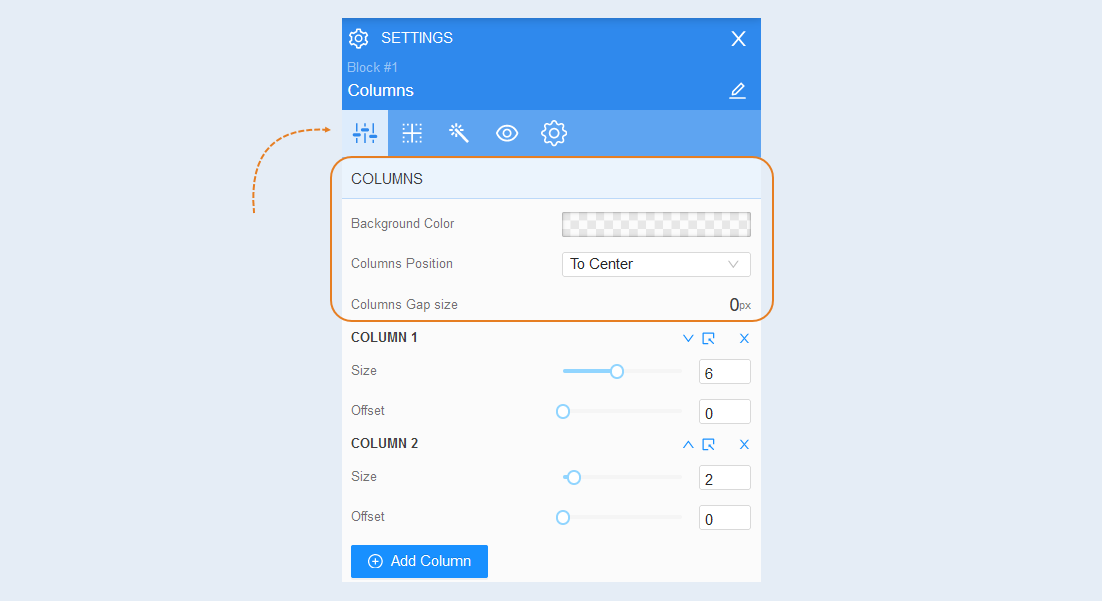
Columns. In this section, you can change the background color of the column, positioning of the column and columns gap size.
Column settings. You can adjust the size of the column in width and shift it to the right on the page.
The settings of each column are the same.
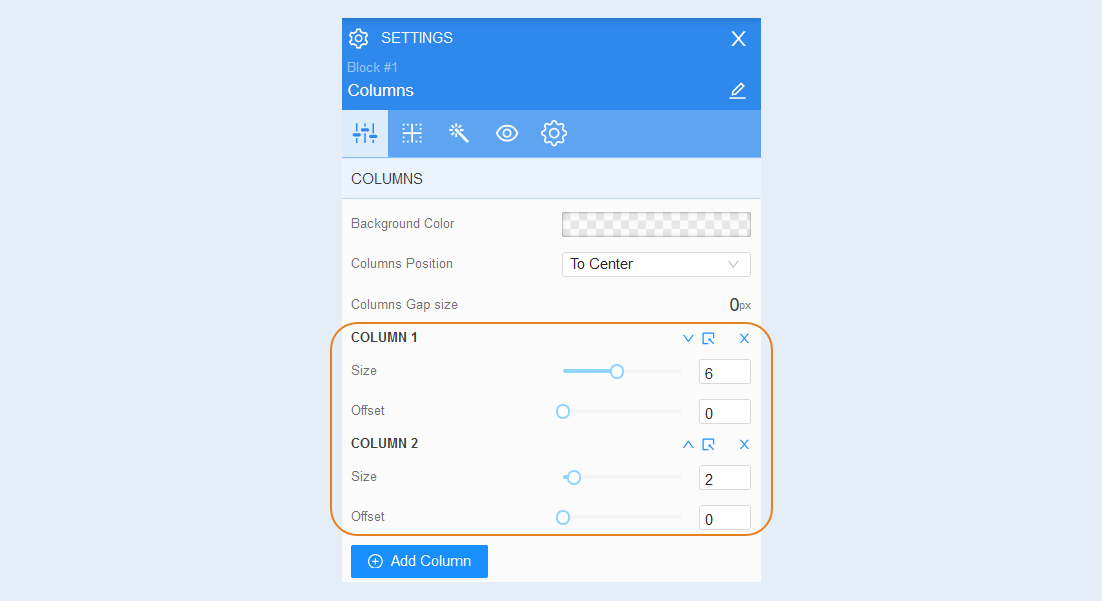
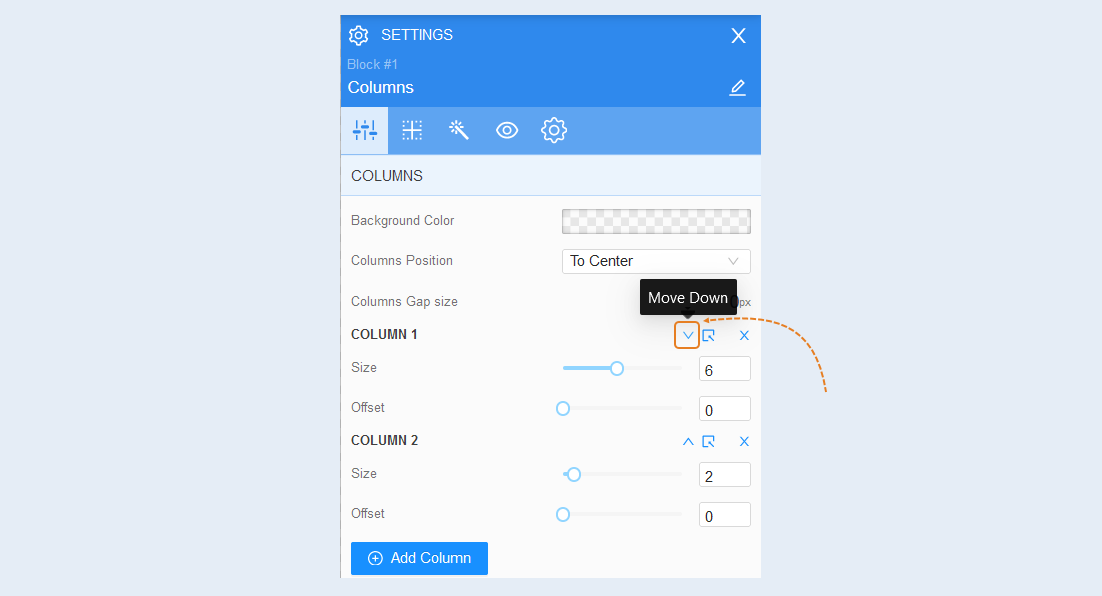
You can change the position of the columns in the form by clicking the "Move Down" button.
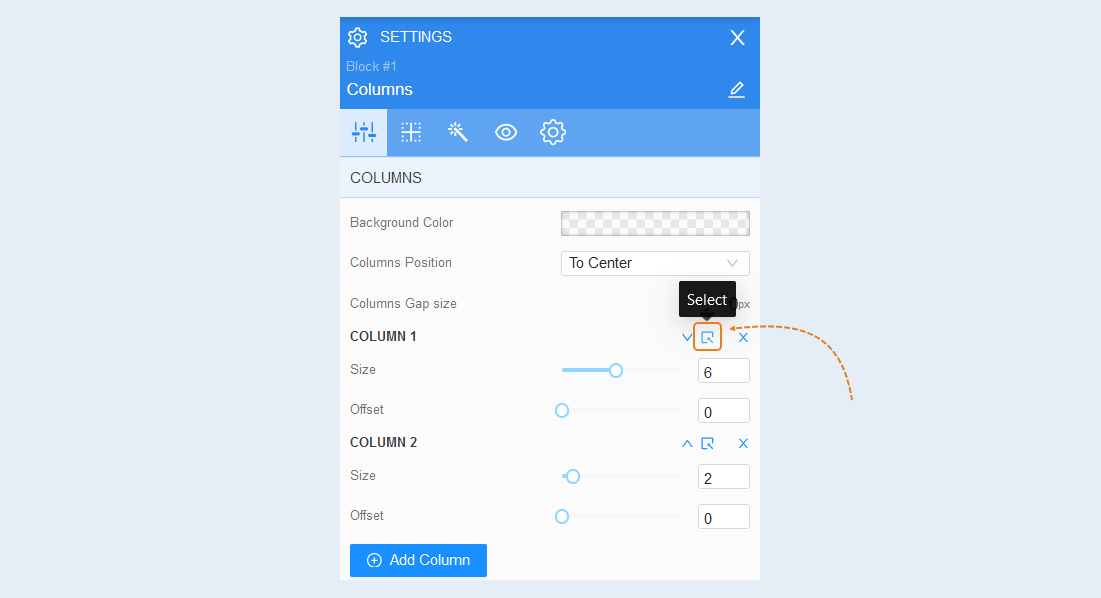
Click the "Select" button and you will see the advanced settings for each column.
For more information on how to configure each column, read the article "Element Column".
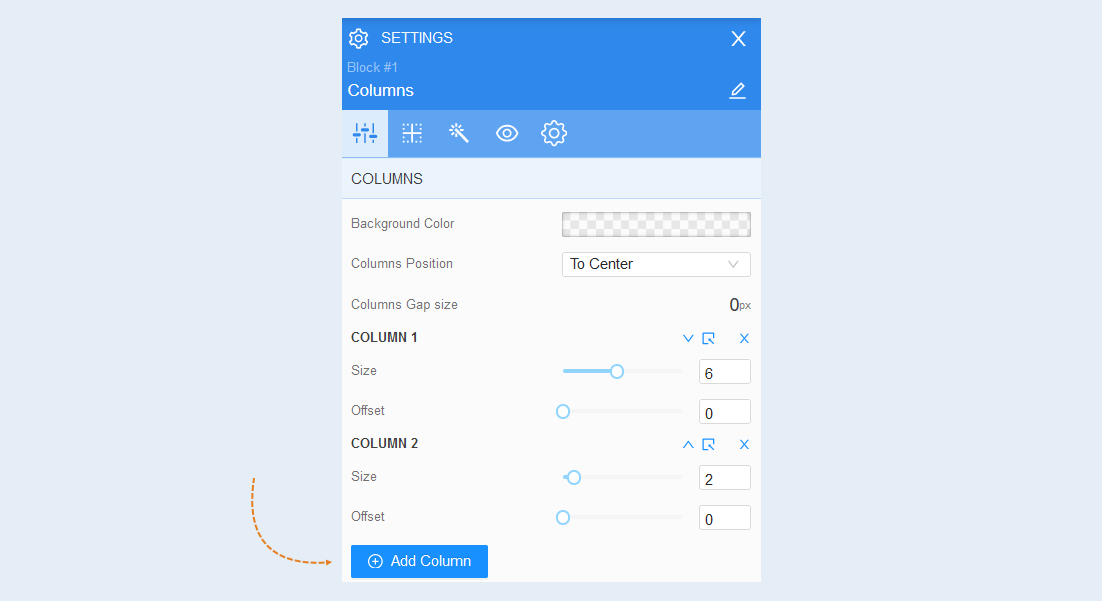
To add more columns to the form, click the "Add Column" button.
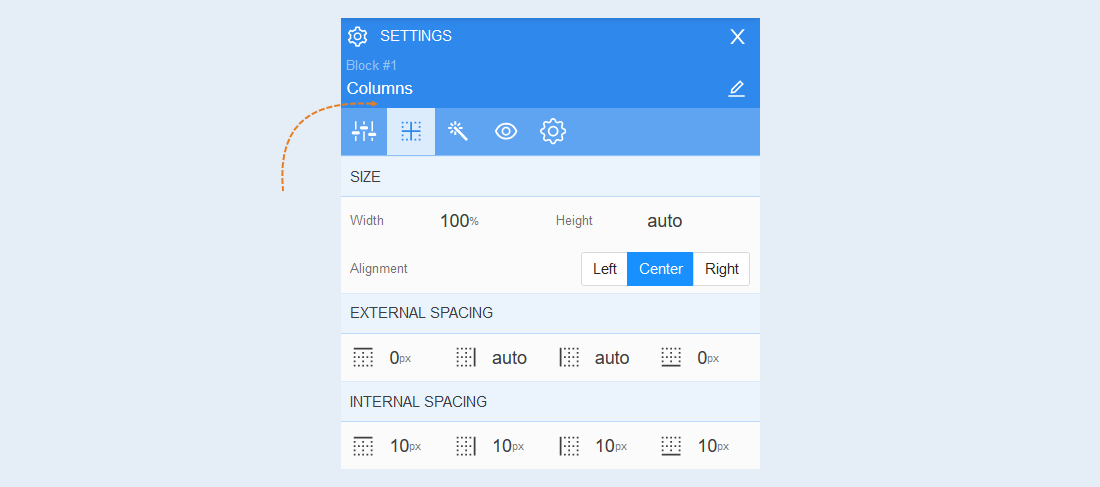
Positioning
Read more about the settings of this section in the article "Positioning".
Style
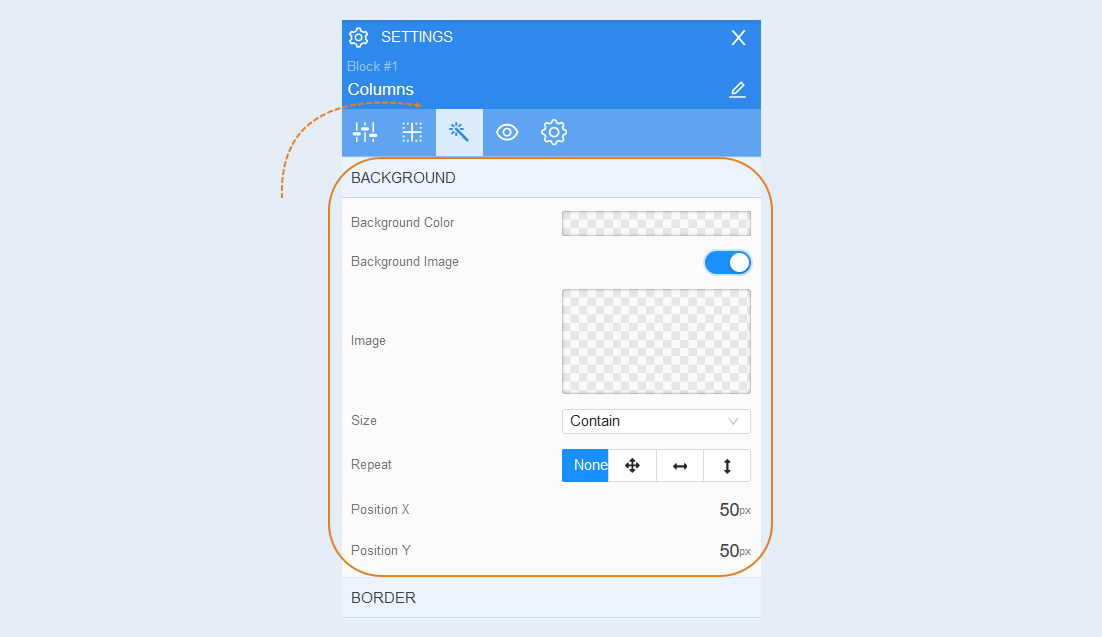
Background. You can change the background color of the column, and also add a background image in the column. Additional image settings are opened for the background image: image selection, size, image repetition and image position in the column.
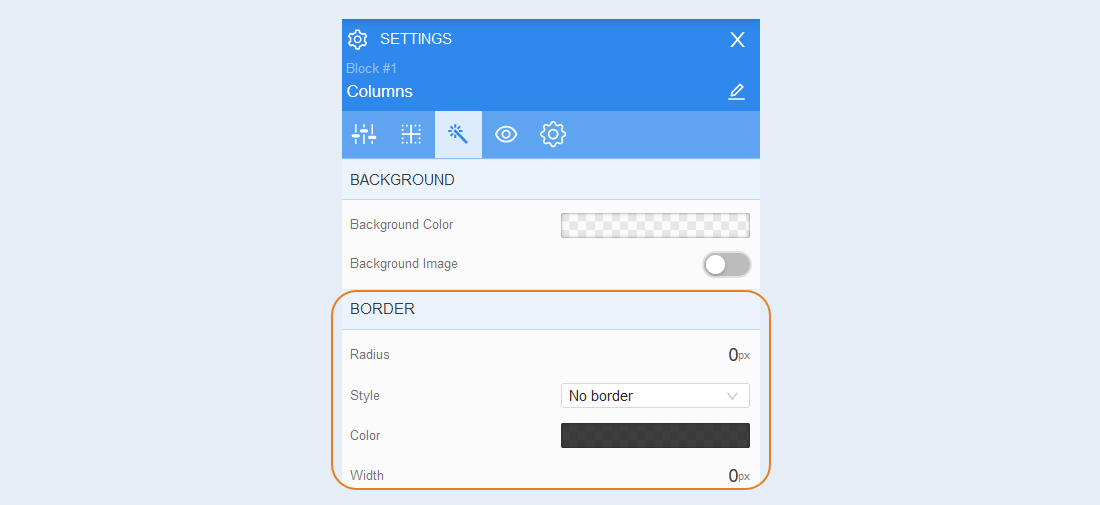
Border. You can customize the border around the column: border radius (rounds the corners of the margins), border color and thickness.
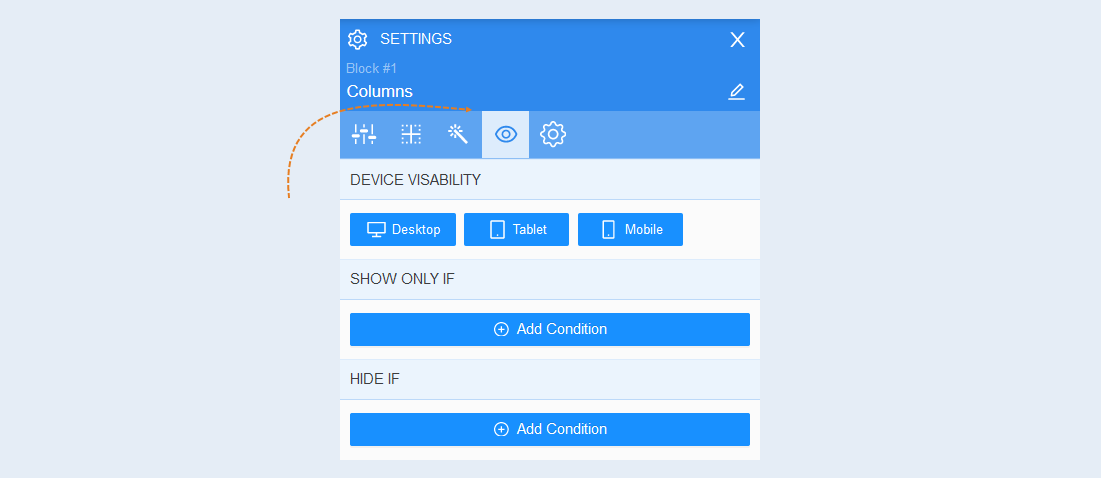
Conditional show / hide
Read more about the settings of this section in the article "Conditional show / hide".
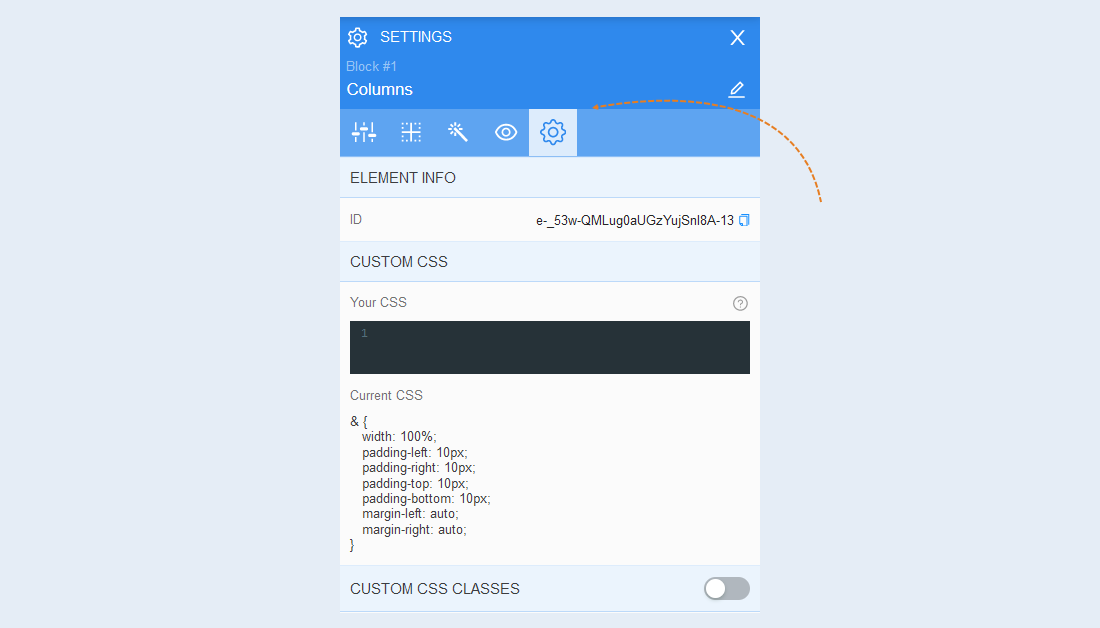
Advanced settings
Read more about the settings of this section in the article "Advanced settings".
For more information about the settings of each block element, read the articles "Element Text", "Element Picture".