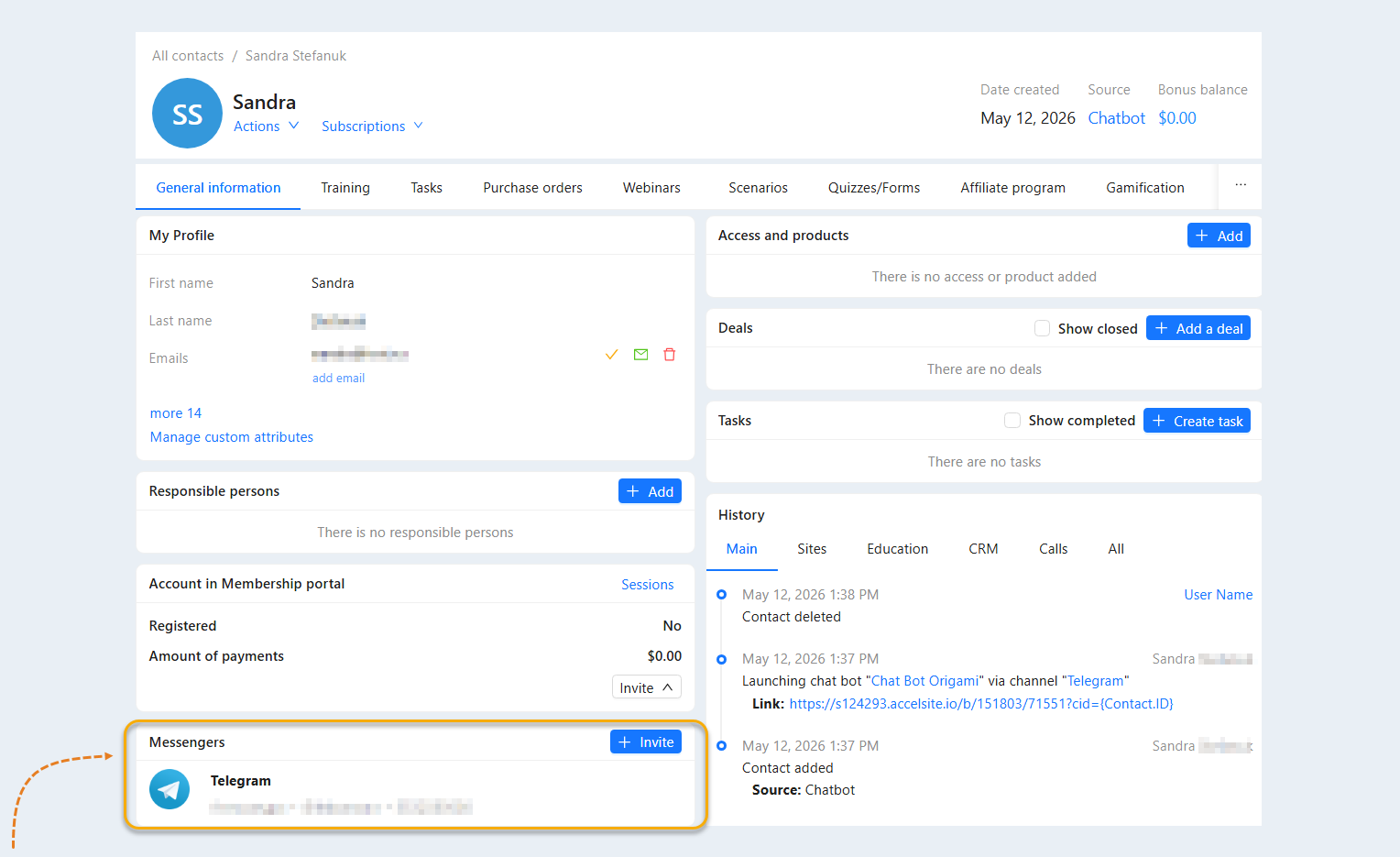
In the "Messengers" tab, you can see a list of all connected messengers of this contact: Internal, VК, Telegram, Viber, Facebook, WhatsApp, Instagram. Here you can invite a contact to a new dialog or open an existing dialog with a user on the AXL platform.
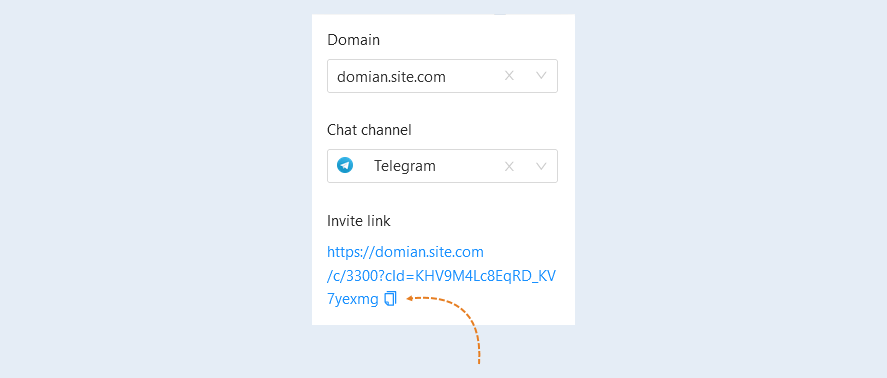
To invite a user to a new dialog and add a messenger, click the "Invite" button. An additional window will open for you.

In the window that opens, fill in the fields:
- Domain. Select a domain from the list. For more information about what a domain is and how to connect it, read the article "Domains".
Chat channel. Select a chat channel from the list of those connected to your account. For more information on how to connect chat channels, read the article "Chat Channels".

Next, copy the invitation link and send it to the user. You can send the link manually or using any script, via a regular message or by mail.
After the user clicks on the invitation link, he will be sent to the messenger page and start a new dialog. A new messenger will appear in his contact card in the list.
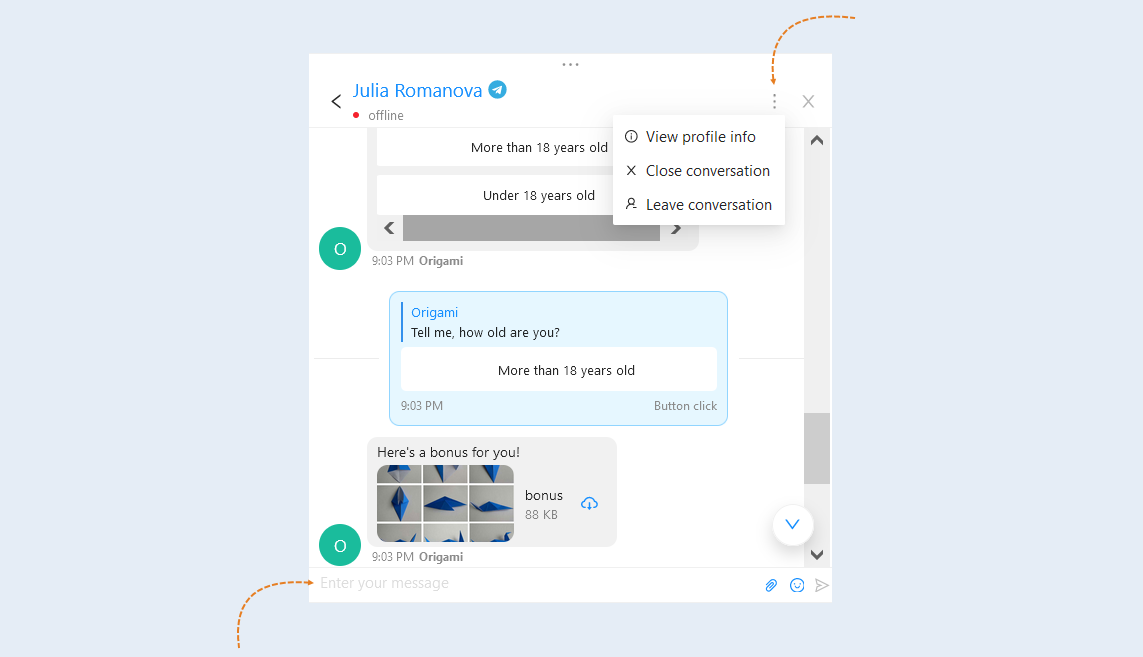
In order to open a conversation with a user on the AXL platform, click the "Open conversation" button next to the desired messenger.

In the dialog window that opens, you can send a message to the user, as well as close the dialog or leave it.