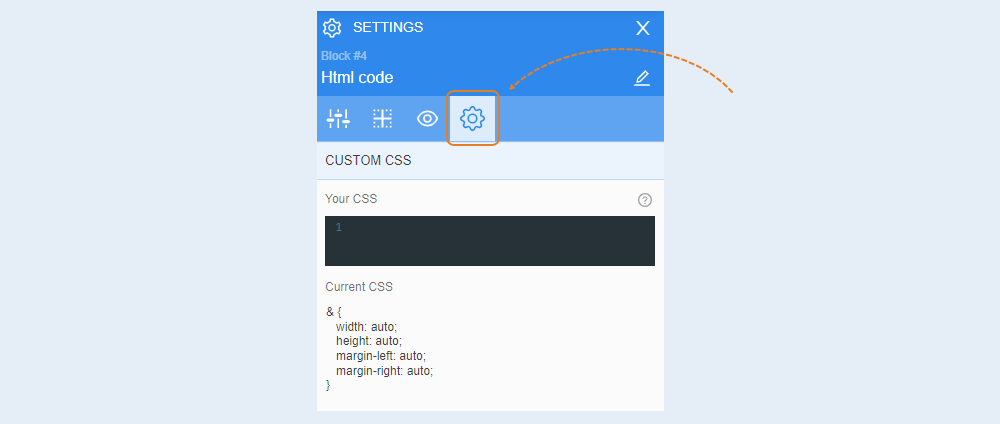
The HTML code element is a special element where programming code is written. This element is used to create unique elements on a website. HTML code is used by programmers and can represent any element: text, video, image, form, counter, and more.
You will be able to see the actual display of HTML code only on a saved and published page of the website. In the page editor, you will not see the final result. In the page editor, you only see the HTML code field.
General settings
Select the element to open settings for that element. A toolbar opens on the right.
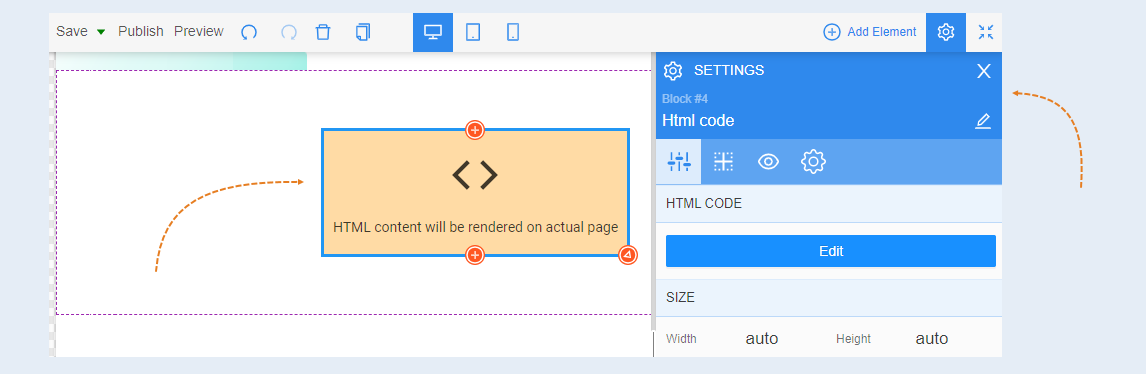
HTML code. Click the "Edit" button to write or paste HTML code in the field. An additional window will open for writing the code. After writing, close the window. Your code will be saved automatically.

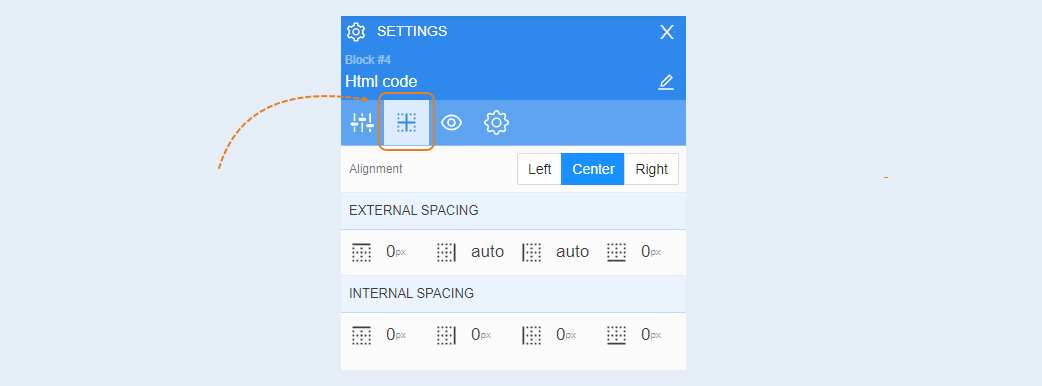
Positioning
For more information on the settings in this section, refer to the article "Positioning".
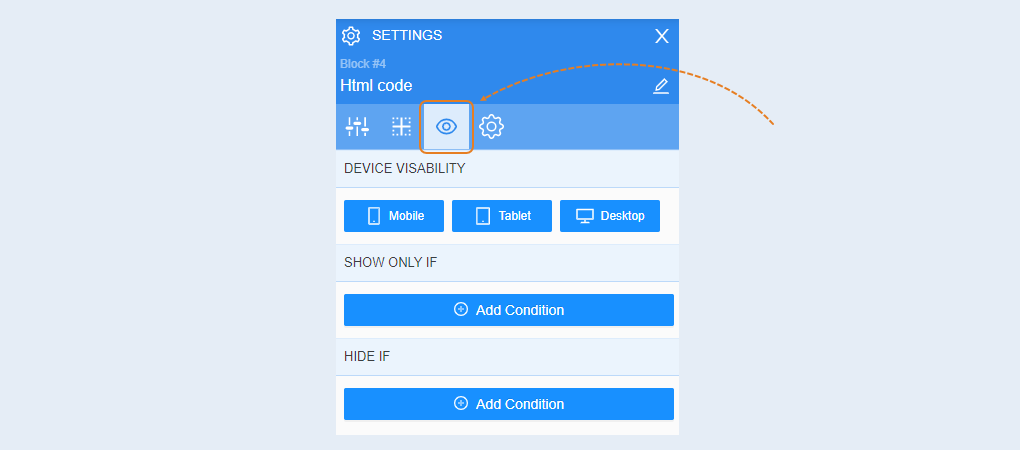
Conditional show / hide
For more information on the settings in this section, refer to the article "Conditional show / hide".
Advanced
For more information on the settings in this section, refer to the article "Advanced settings".