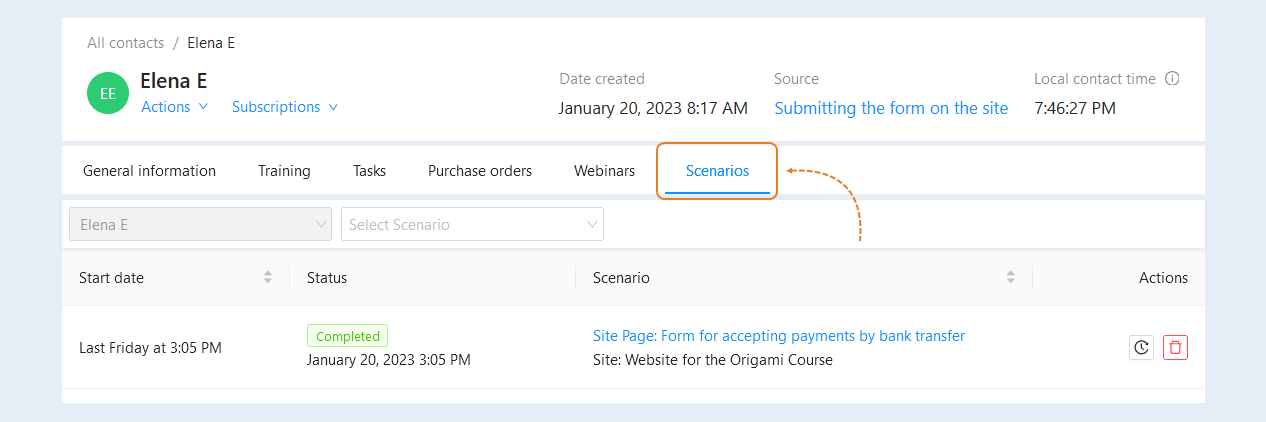
In the "Scenarios" tab, you see a list of scripts that have been run by the user.
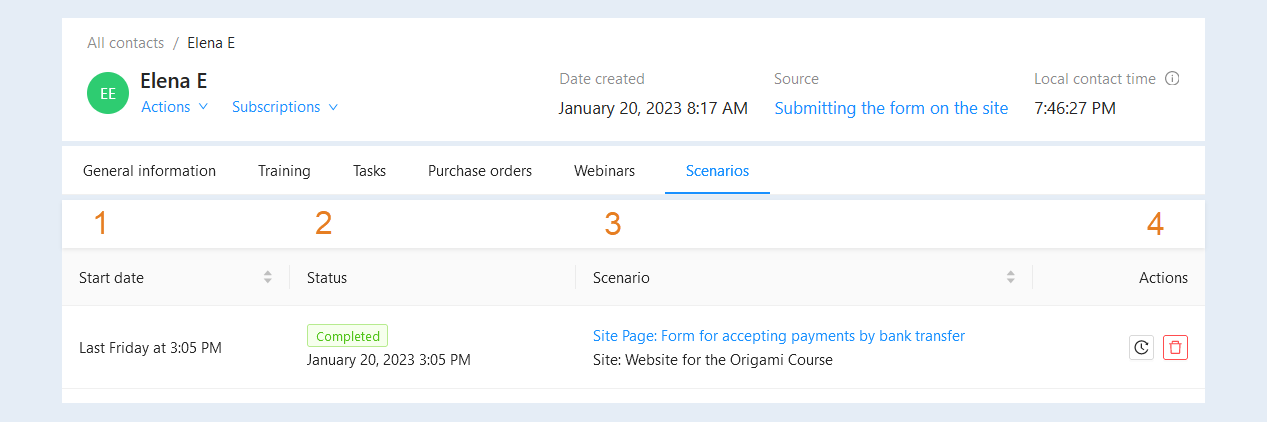
In the list of scenarios you can see the following information:
- Start date. The exact date and time of the script launch is specified.
Status. The script status is specified.
Scenario. The name and location of the script are indicated. Click on the script name to open its settings.
Actions. Here you can perform actions with the script.
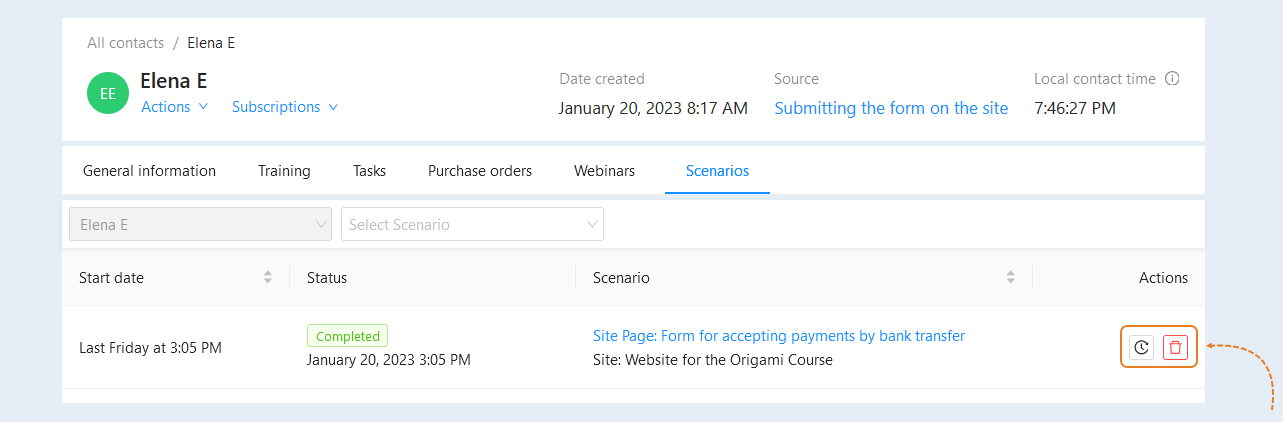
In the "Actions" column, the buttons are available to you:
- History. Click the button to see the history of all actions in the script.
Removal. Click the button to delete this line.
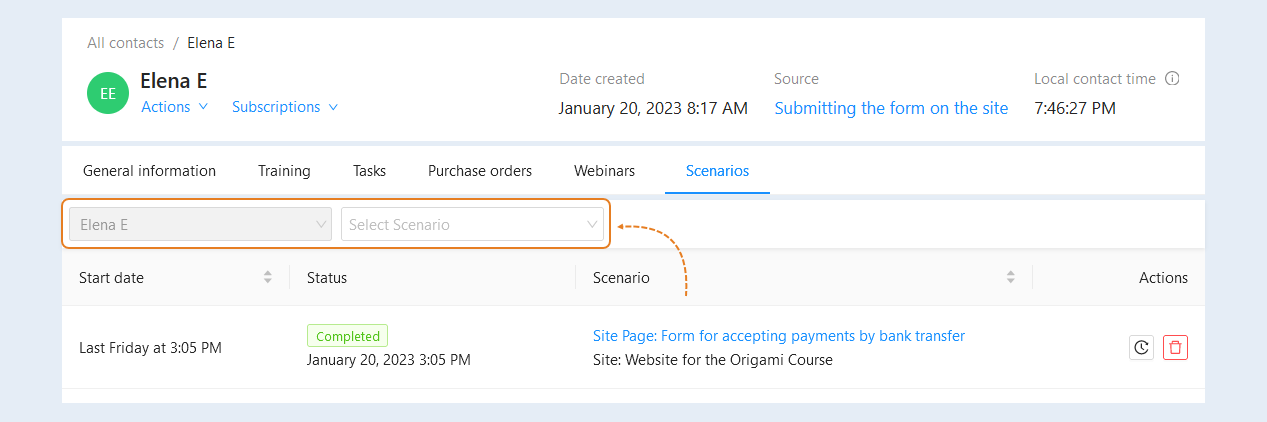
At the top of the Scenarios tab, you can see the search lines. Here you can select a specific scenario to search for.