Instagram is a popular social network for sharing photos and videos. It allows users to share their content, apply various filters and effects, like and comment on other users' posts, as well as follow favorite accounts and receive updates.
1
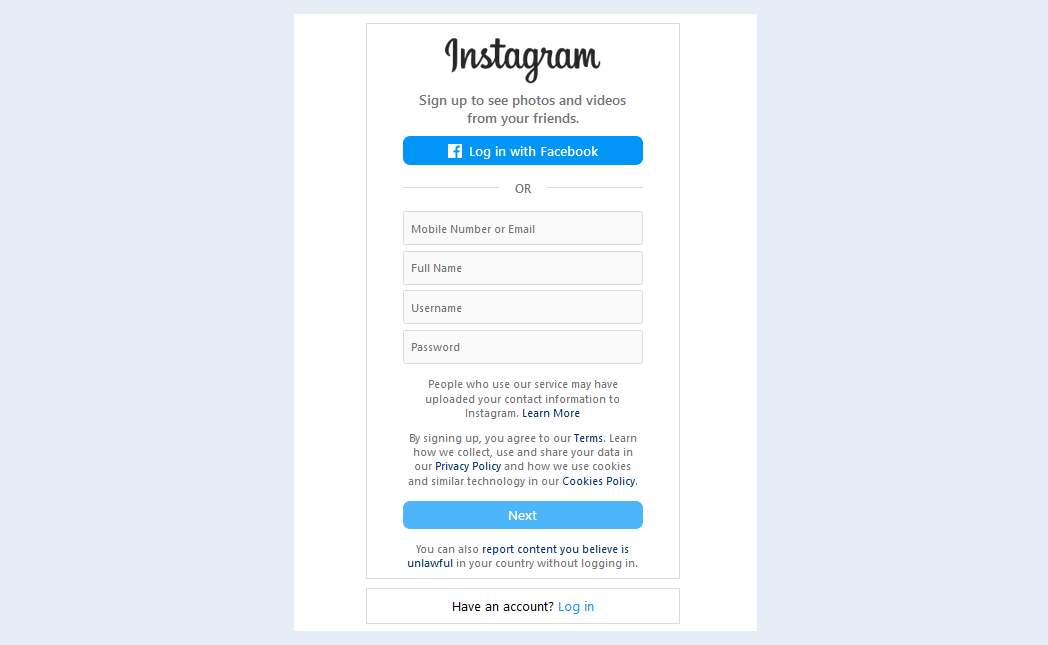
To create an "Instagram" channel, you need to have an account on the Instagram website. To register, follow the link. Complete the registration on Instagram by following the instructions on the website pages.
2
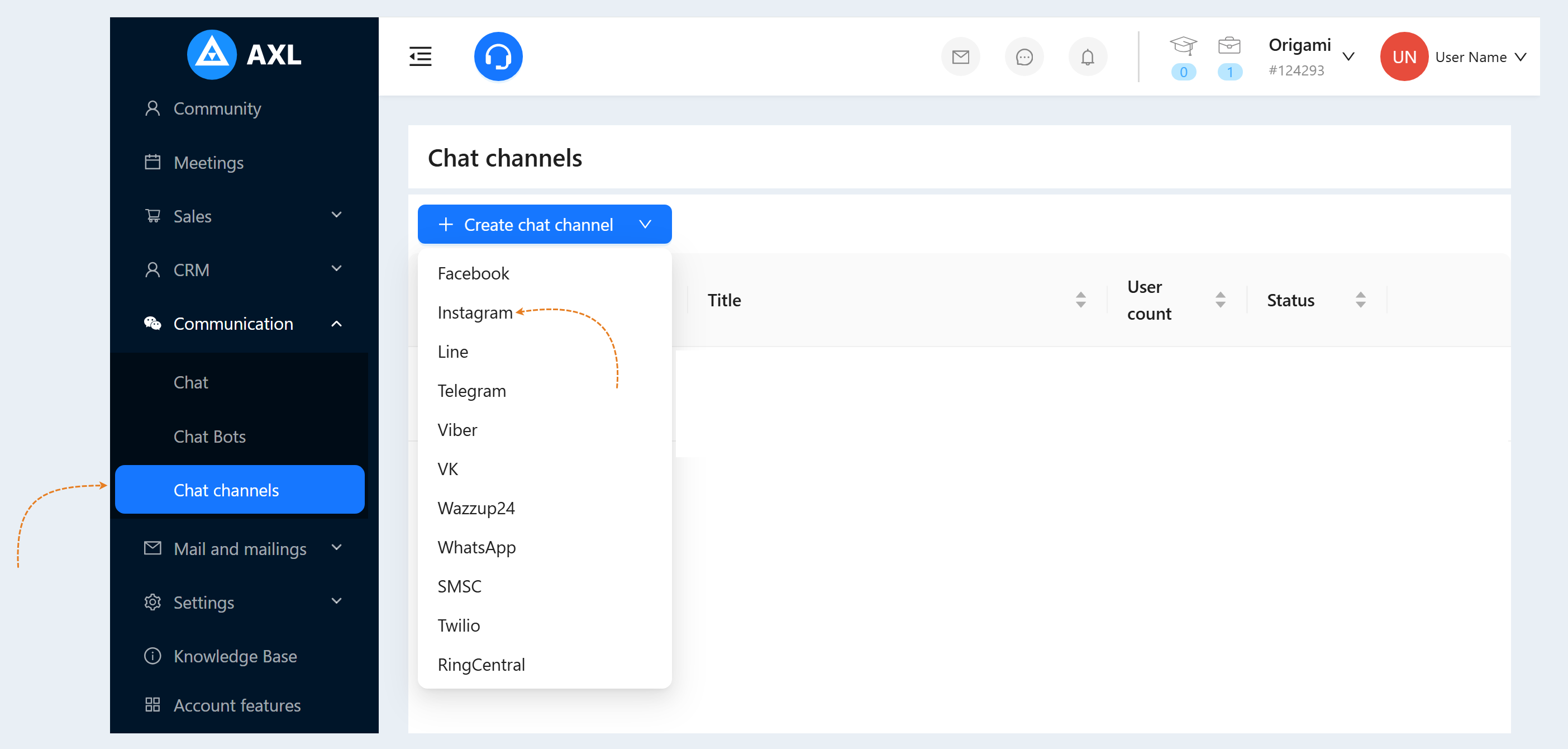
Return to the AXL platform. To create an Instagram channel, go to the "Communication" section, then the "Chat Channels" tab. Click on the "Create Channel" button and select "Instagram" from the list of channels.
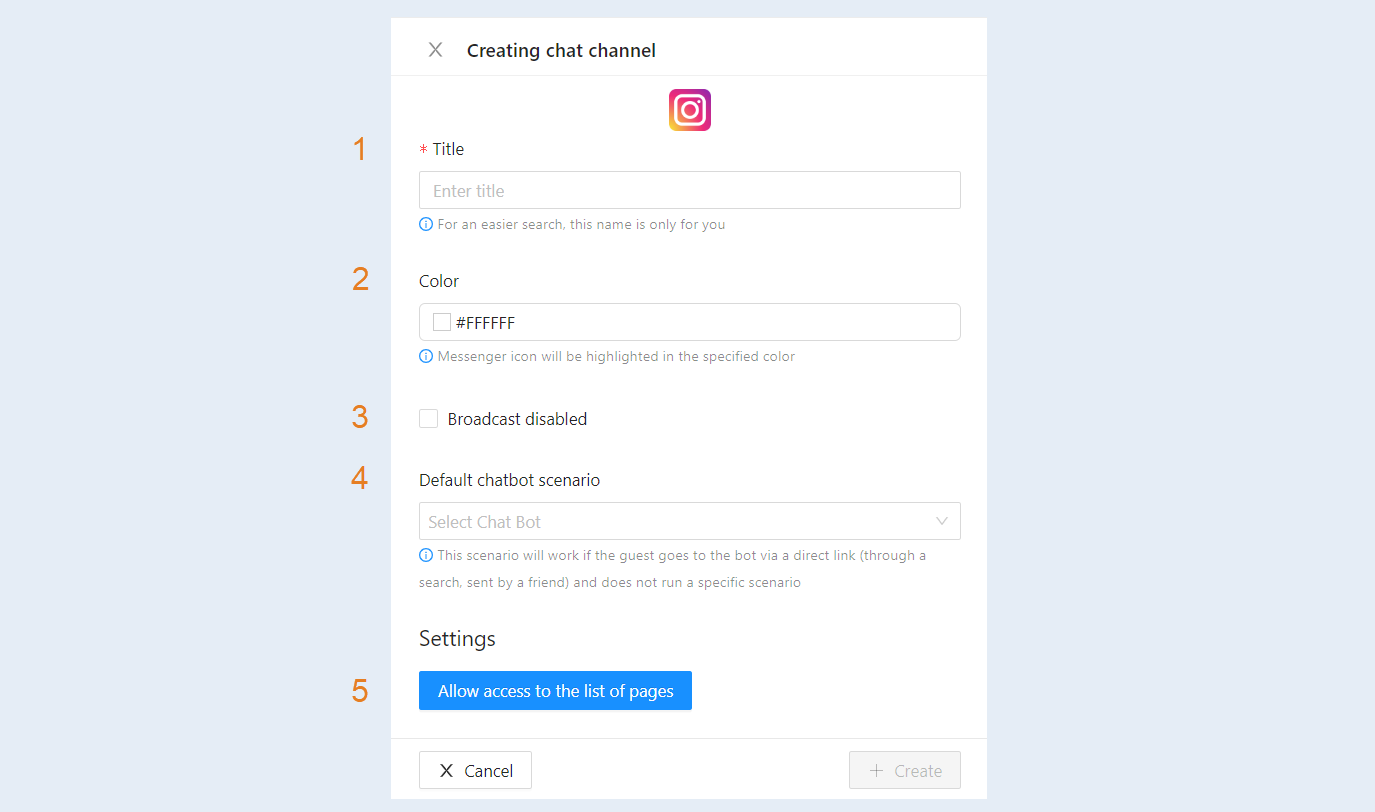
- Title. Enter the name of your channel to make it easier to find.
Color. Set the color of the channel icon.
Broadcast disabled. Check this box to disable this channel from broadcasting.
Default chatbot scenario. Select a scenario from the list. This scenario will execute if a guest directly accesses the bot through a link (via search, sent by a friend) without launching a specific scenario.
Click on the "Allow access to the list of pages" button.
3
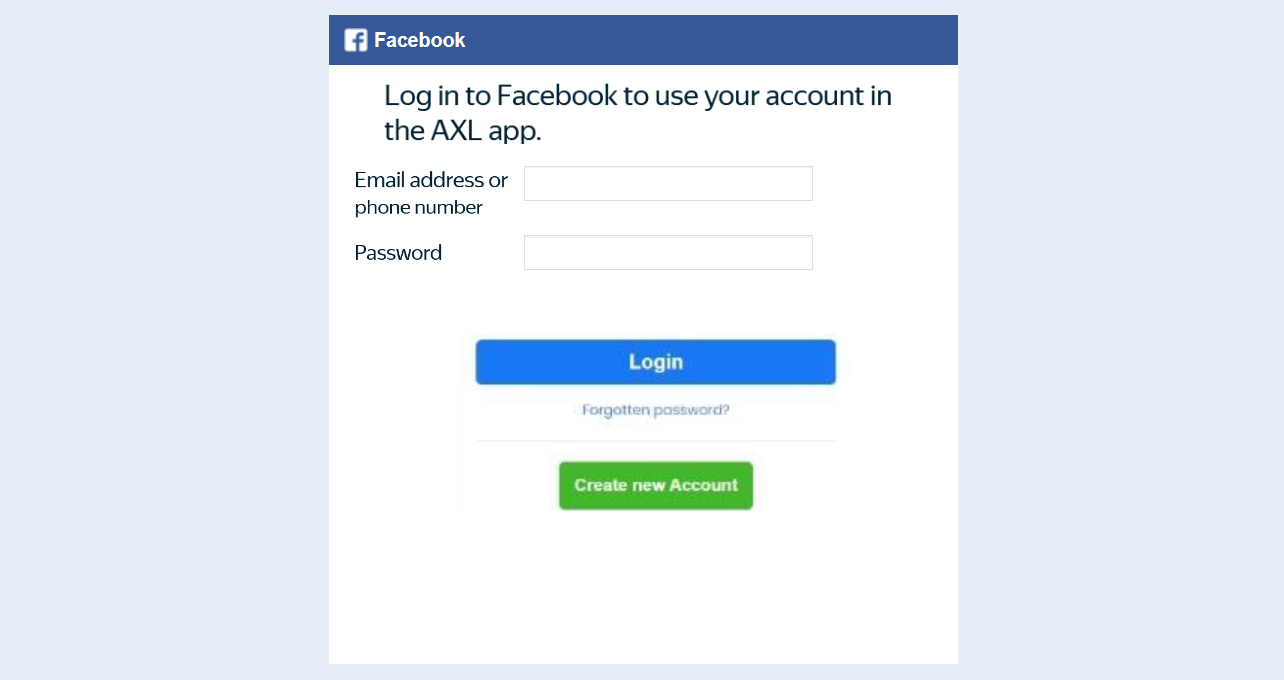
You will be prompted to login with Facebook.
Next, select the Instagram pages for which access will be granted to the AXL platform.
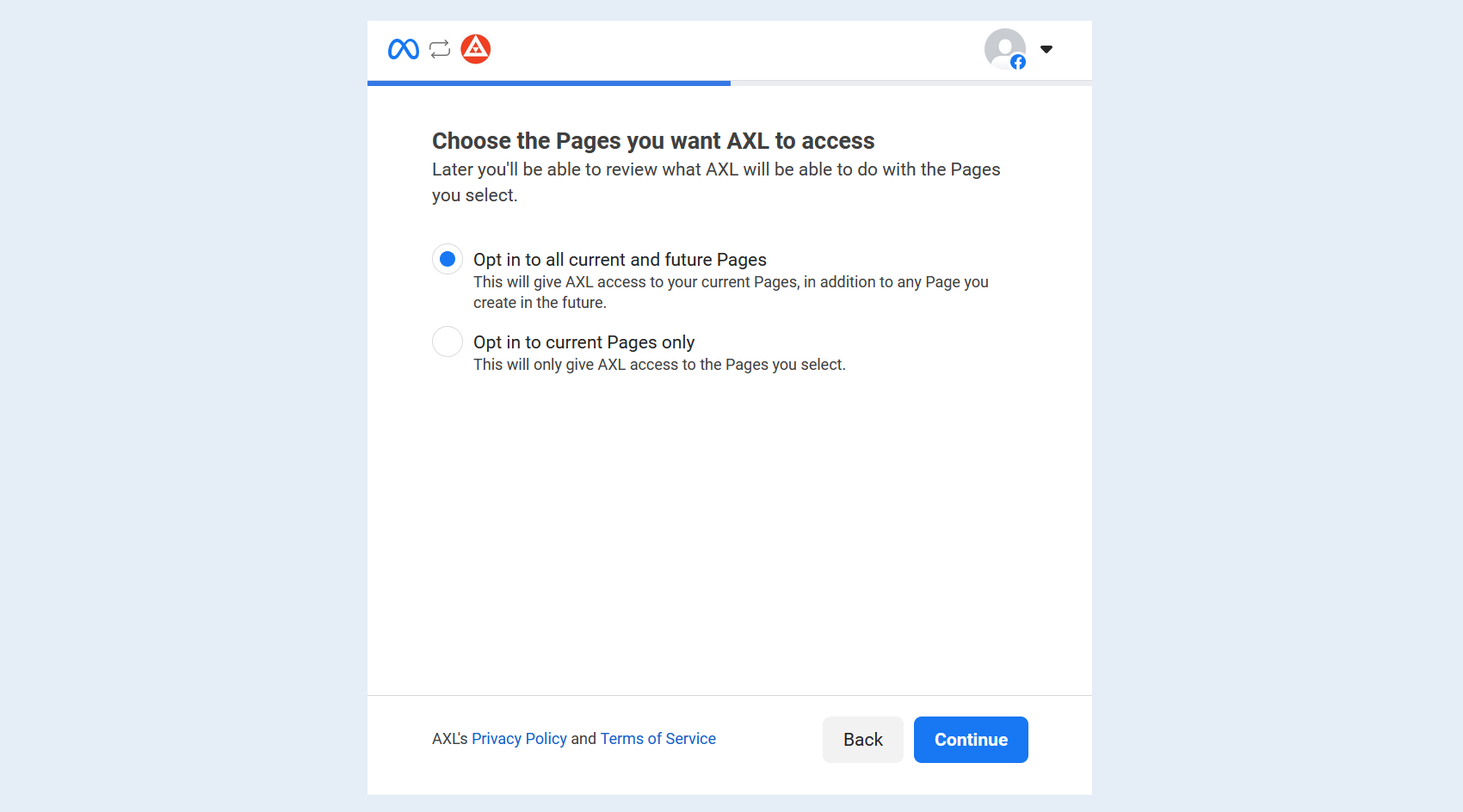
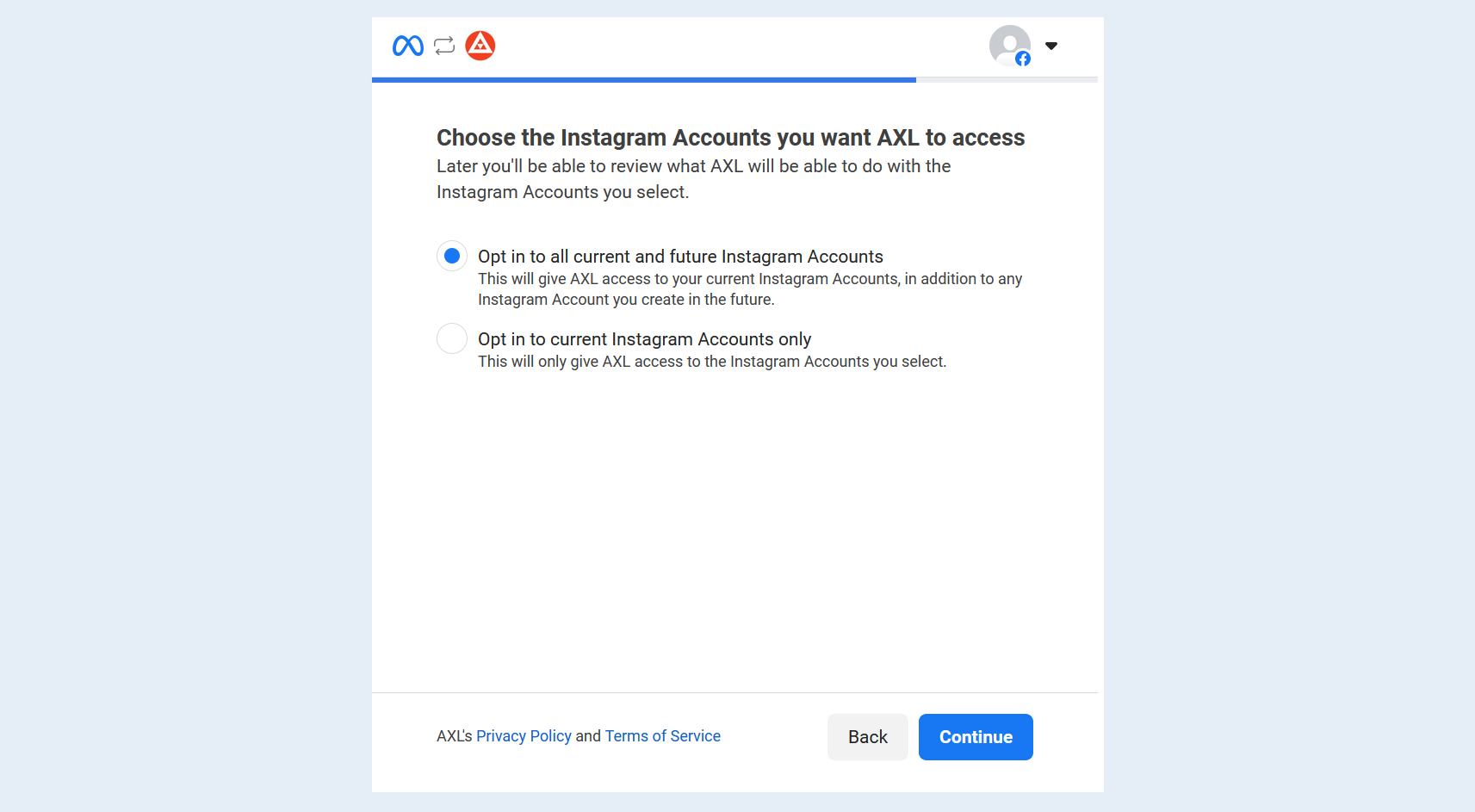
Choose the Instagram accounts for which access will be granted to the AXL platform.
Review the final settings.
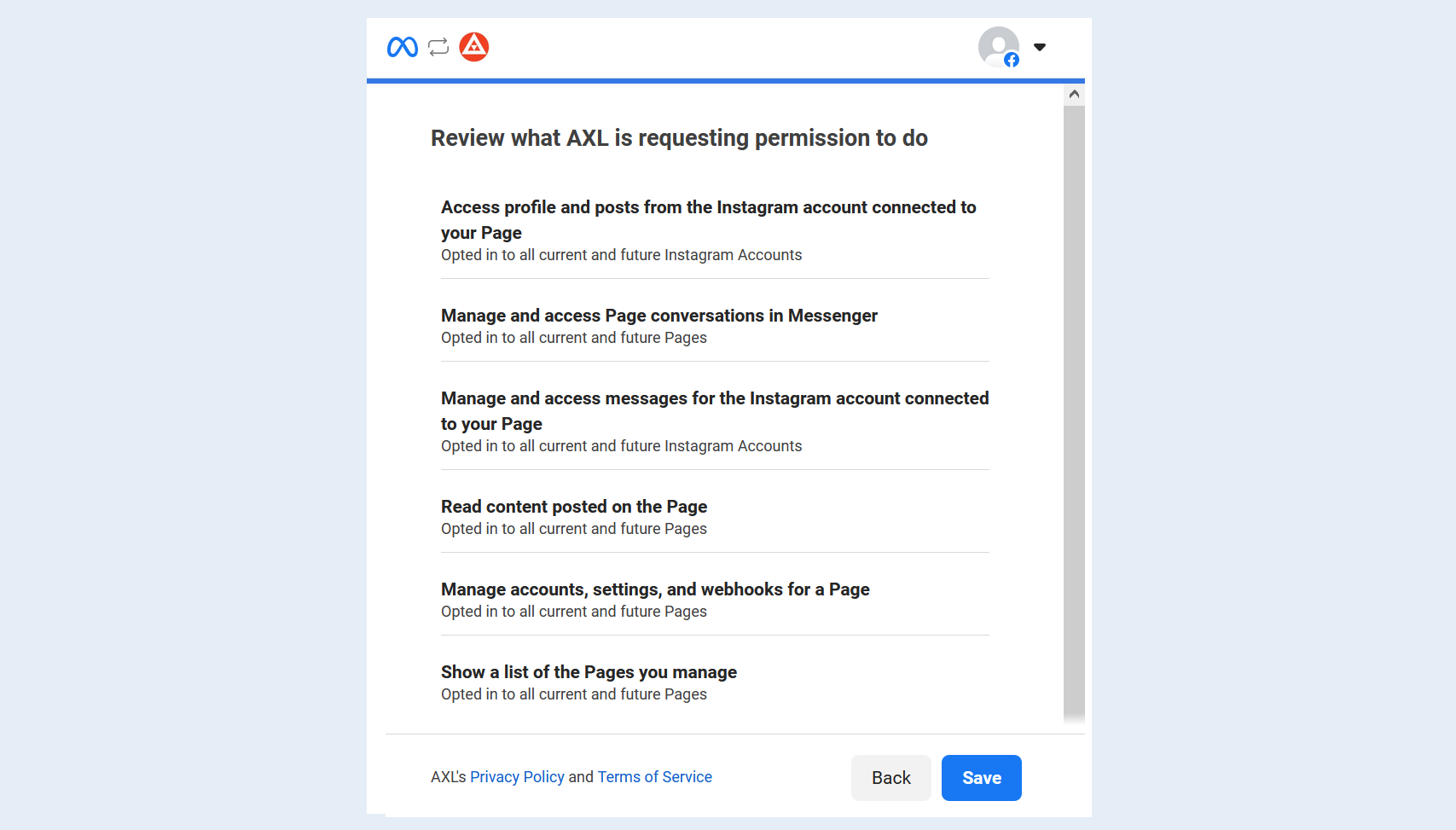
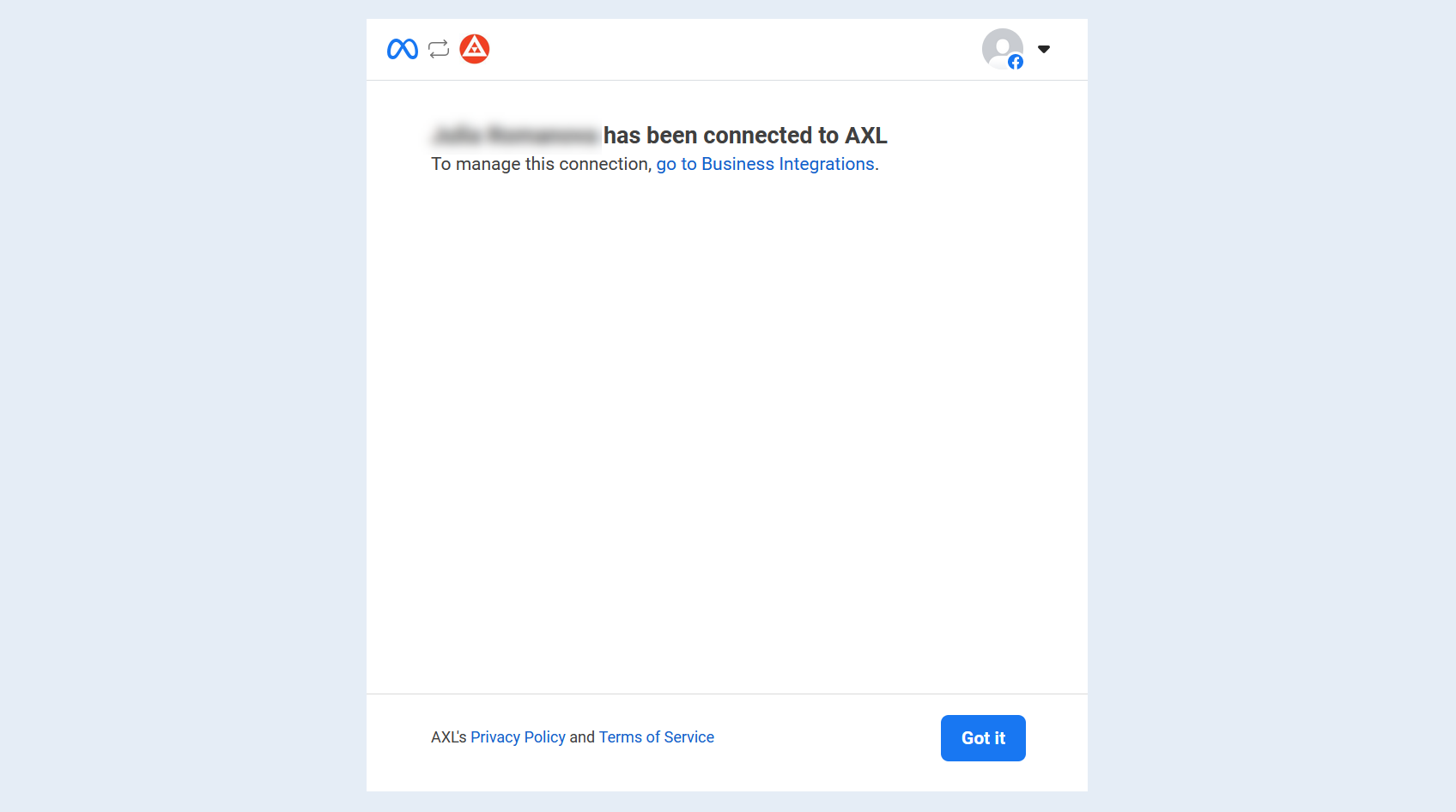
Click on the "Save" button. Your Instagram page is now connected to the AXL application.
4
After that, in the Instagram channel integration window, an additional field "Page" will appear. In the settings, choose the Instagram page you want to connect to your account.
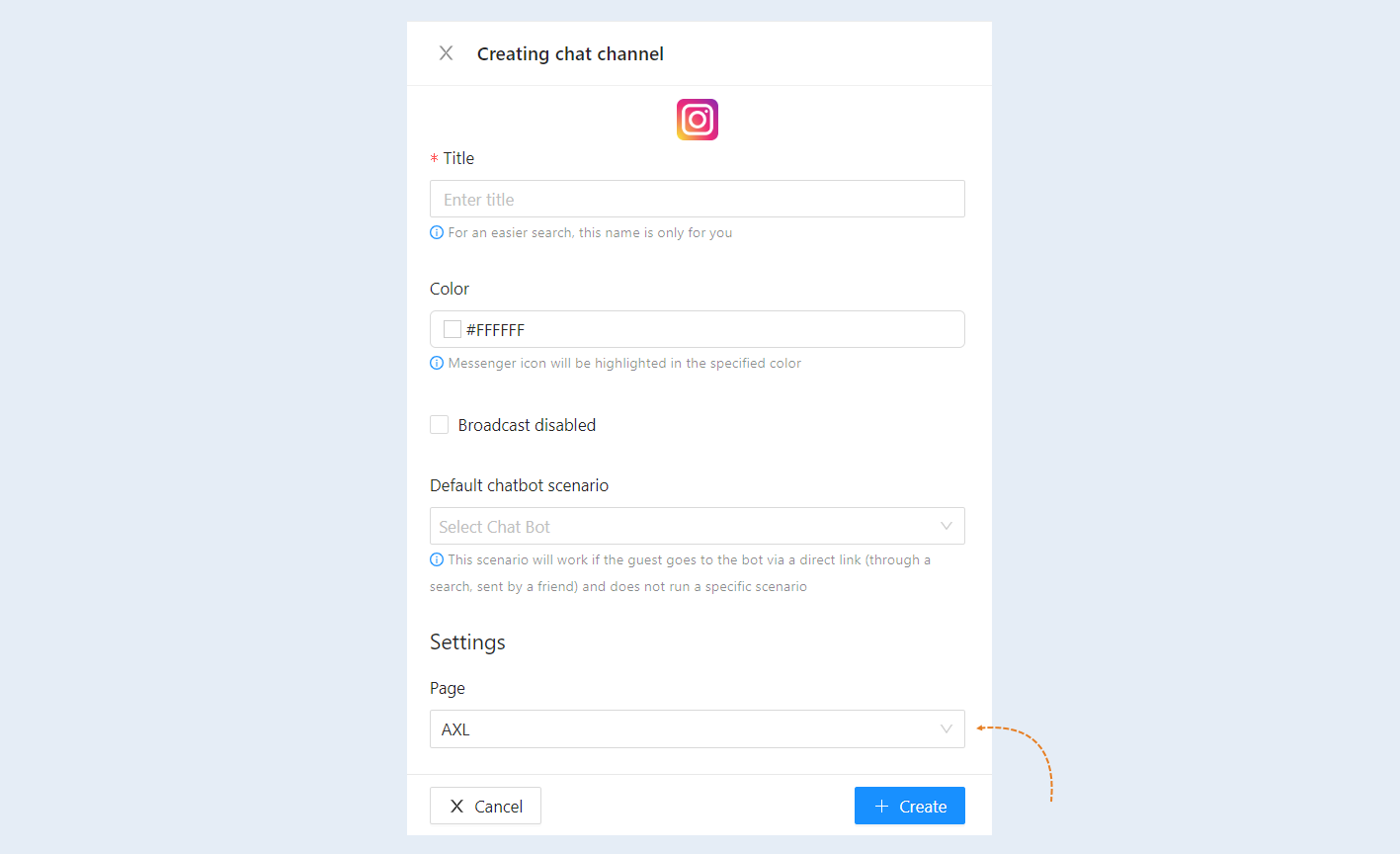
Click on the "Create" button. The Instagram channel you created will now appear in the chat channels list.