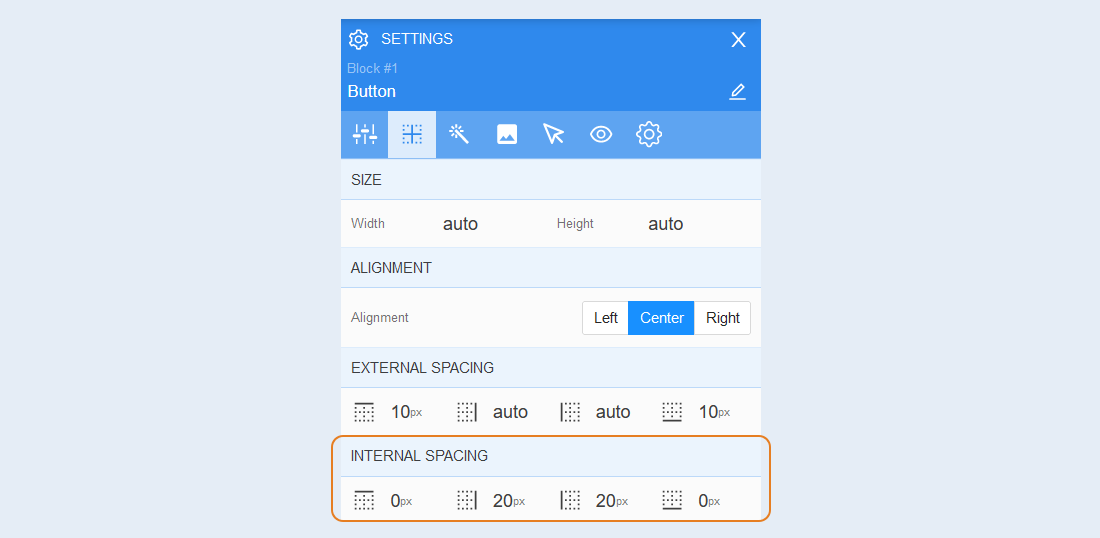
Positioning
Size. In this section, you can adjust the width and height of the element.
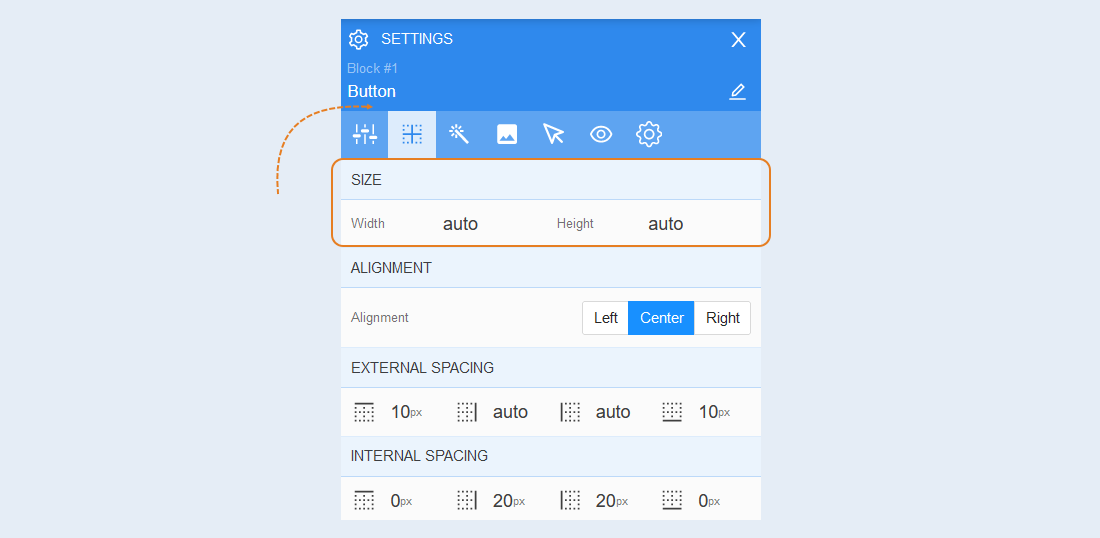
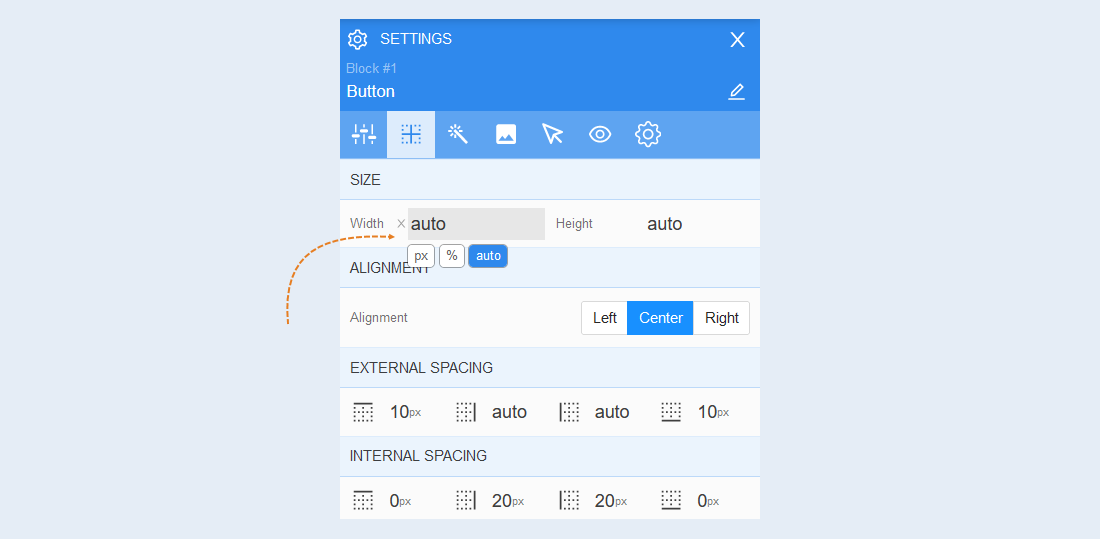
The default size is set to automatic (auto). You can also set a numerical value in percentages (%) or pixels (px). Clicking the cross resets the numerical value to auto.
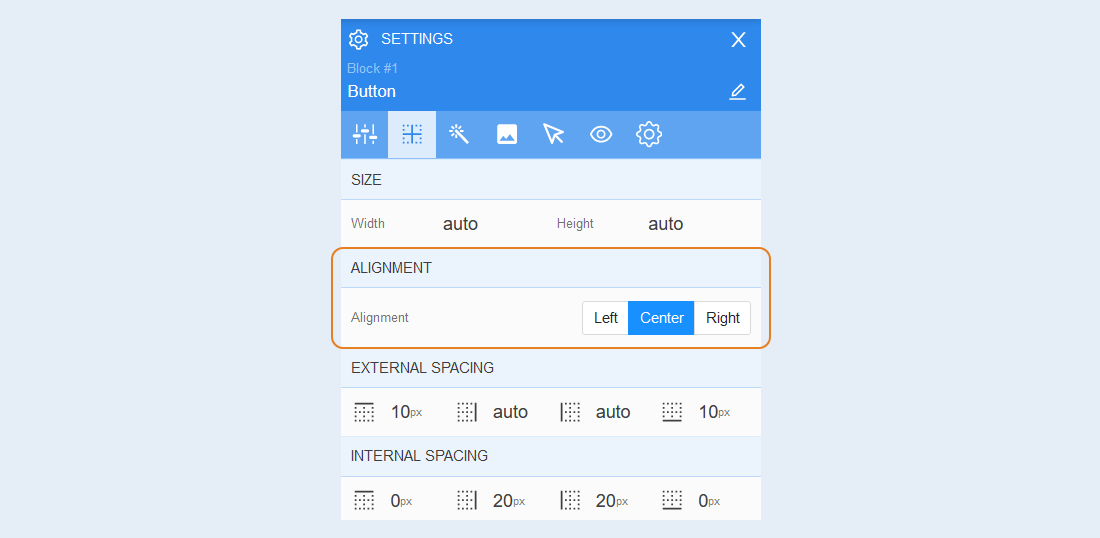
Alignment. In this section, you can configure the alignment of the element within the block: left, center, or right.
External spacing. You can adjust the margin of the element outside the block. This function is applied when the element is next to another object (text, image, icon, etc.) and needs to be moved away from the border of the other object.
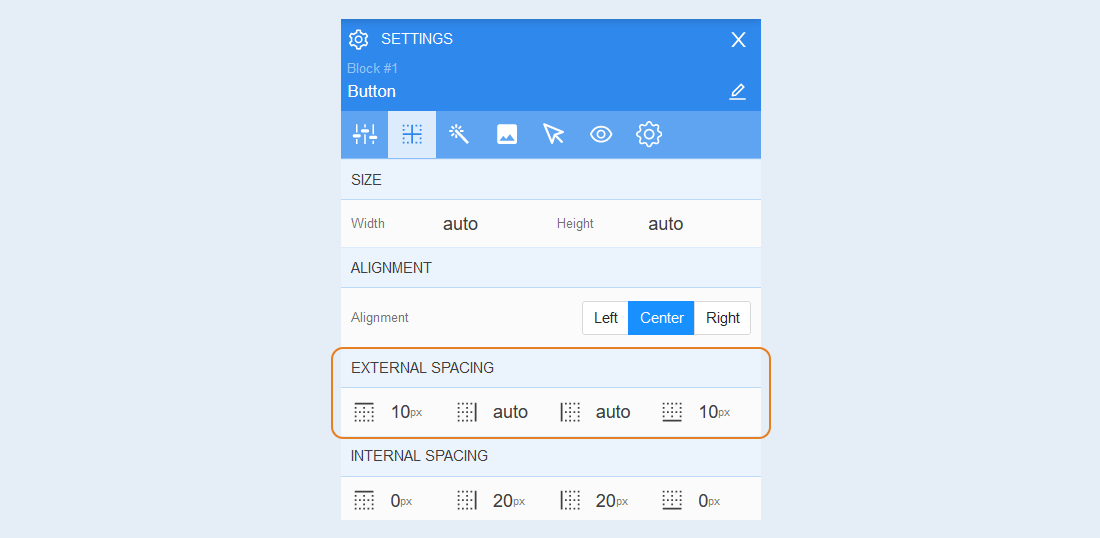
Internal spacing. You can change the indentation of an element inside a block. This function is used if the element is located close to its borders and it is necessary to move it away from the borders.