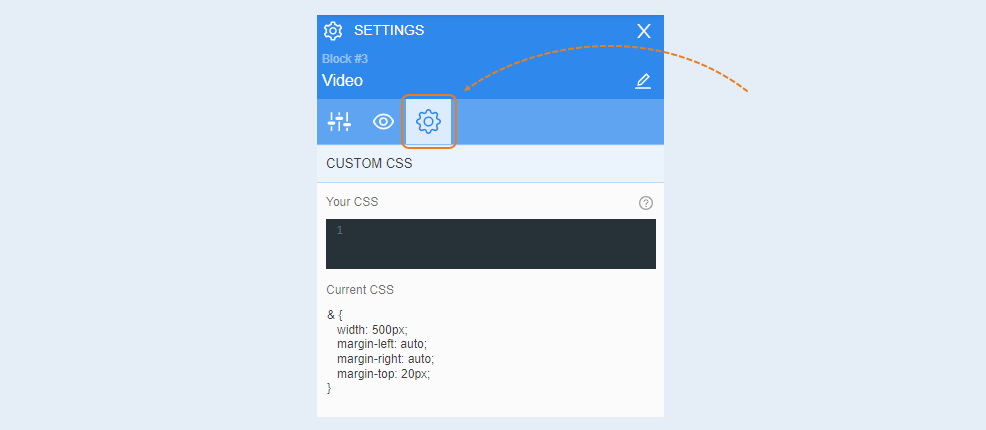
You can add a video to your web page. To do this, upload the video to YouTube or Vimeo. Copy the link to this video and paste it into the special field on the page where you are creating the design of your website. You can also use any code to embed the video on the page.
Highlight the element to open settings for that element. The tools panel opened on the right.
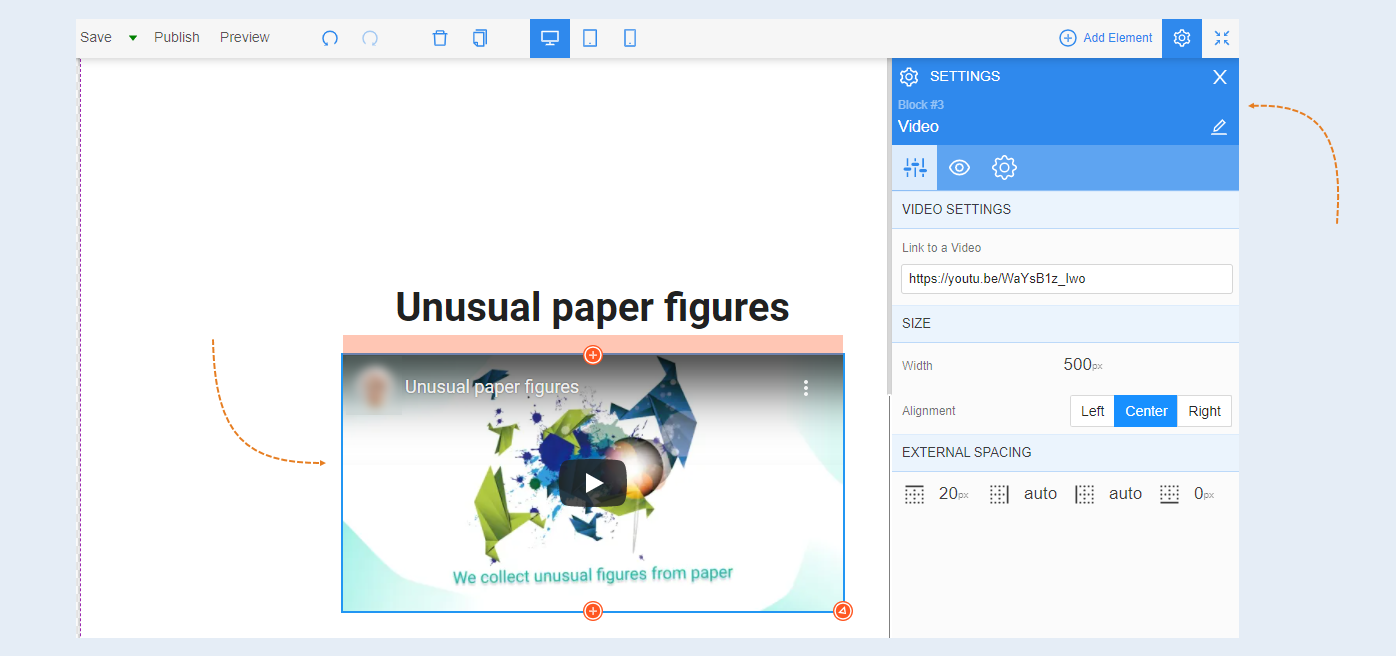
General settings
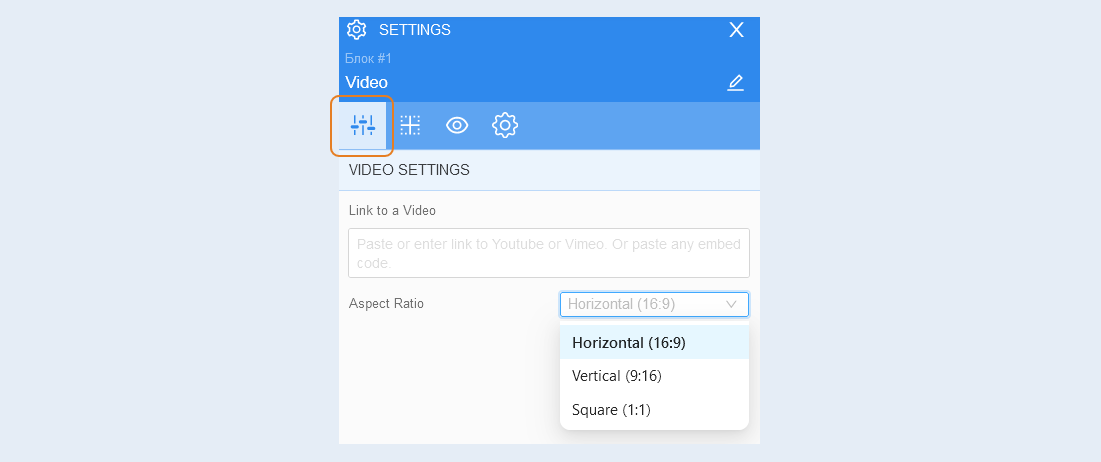
Video settings. In this section, you specify the link to the page that will open when the video is clicked. Set the aspect ratio for the video, you can make the video horizontal, vertical, or square.
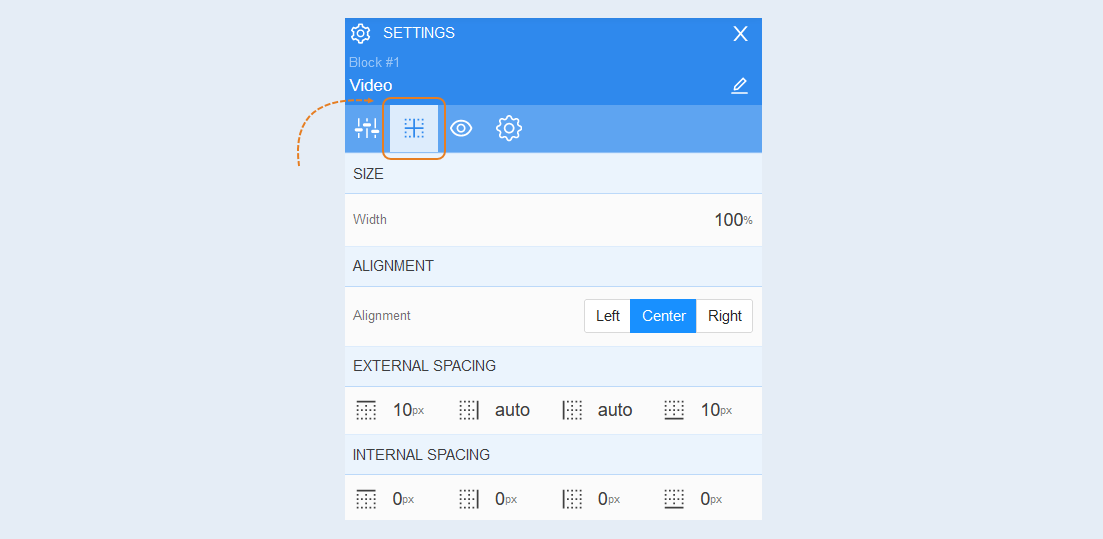
Positioning
For more information on the settings in this section, read the article "Positioning".
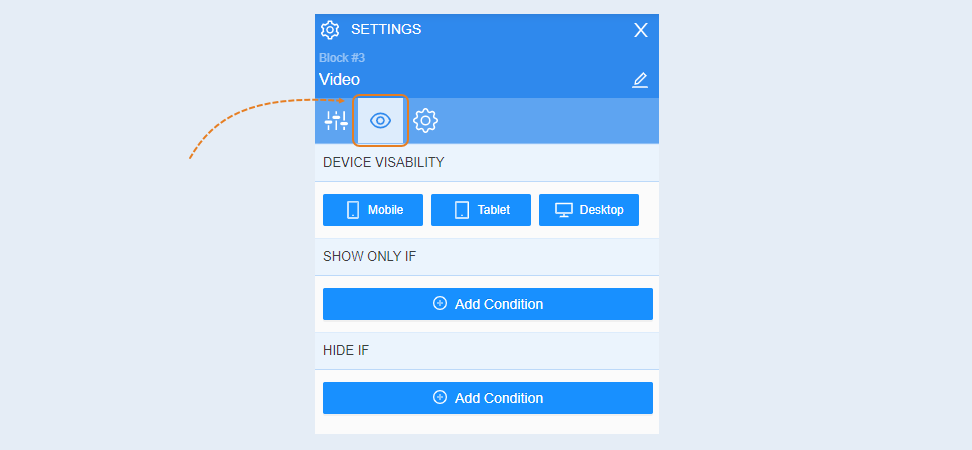
Conditional show / hide
For more information on the settings in this section, read the article "Conditional show / hide".
Advanced
For more information on the settings in this section, read the article "Advanced settings".