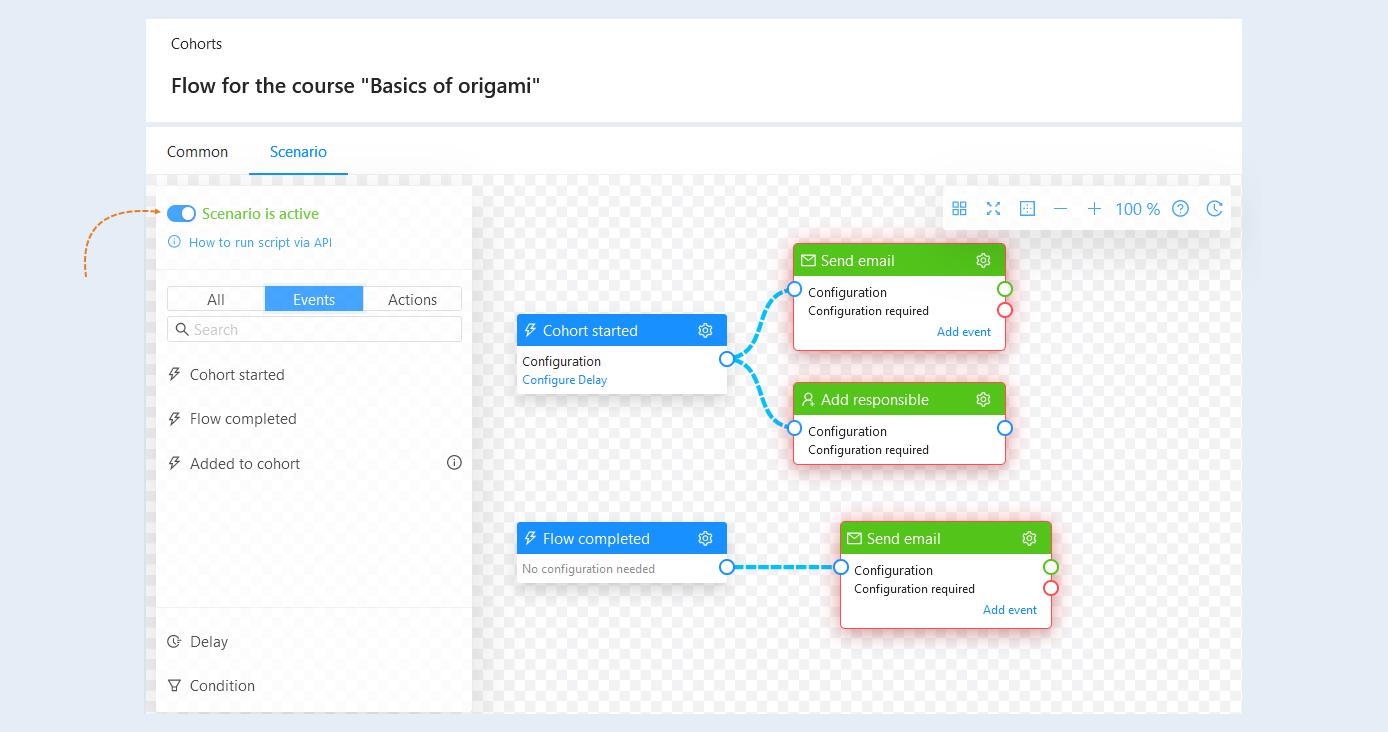
A flow is an event on the AXL platform that is tied to a specific date.
The purpose of the flow is to unite the participants of the event (course, webinar) and provide them with access to information at the same time. Thus, participants receive information at the same time and move together in the flow.
In the Flows section, you configure flow dates, flow content (courses and libraries), and set up automated actions (such as sending email).
Click on the desired section of the article to go to its description:
How to add a flow
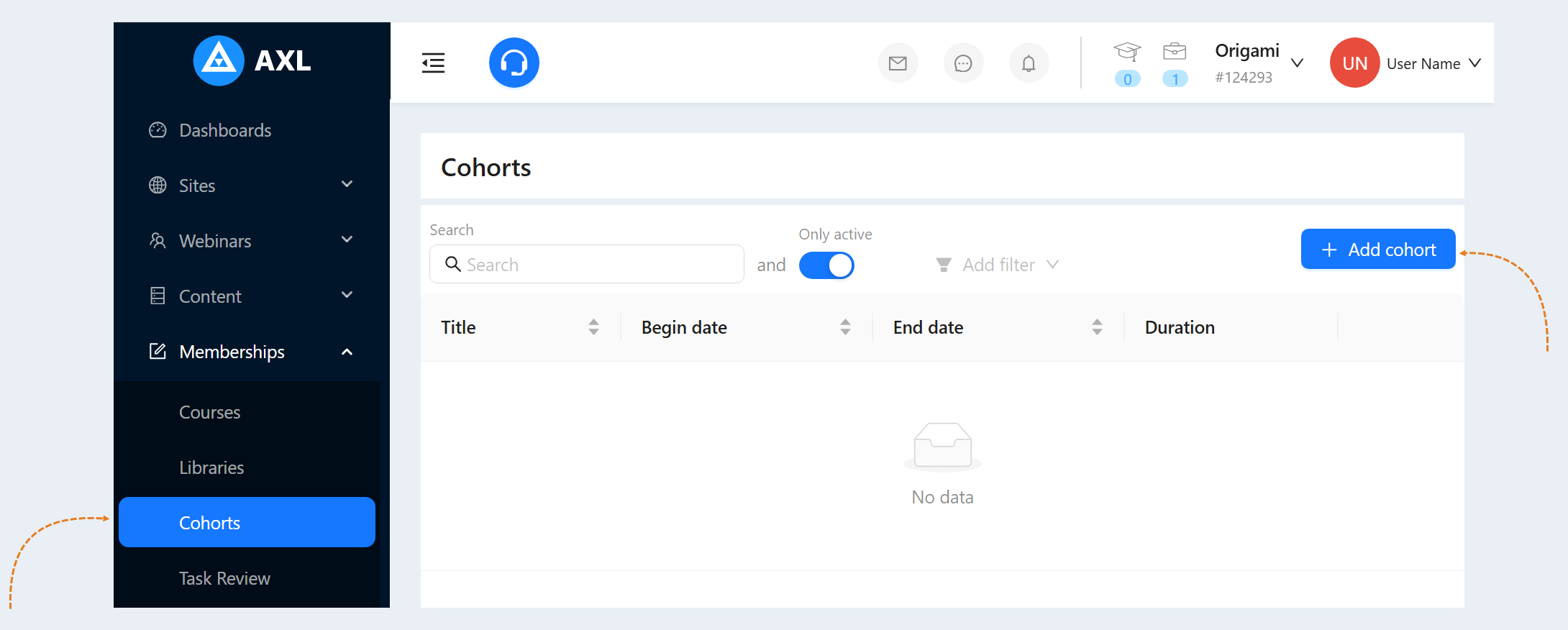
Go to the Flows section. To add a flow for your courses, click the "Add flow" button.
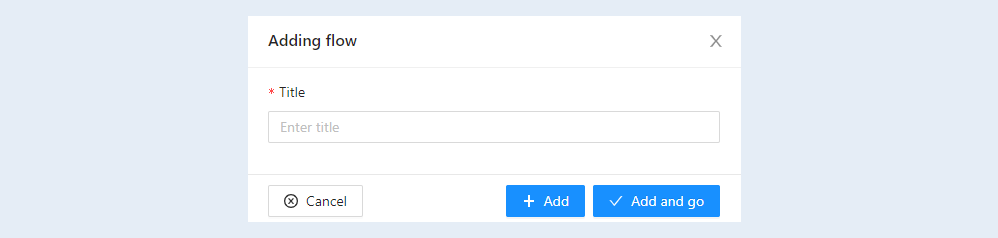
Write the name of the flow in the window that opens and click the “Add” or “Add and go” button.
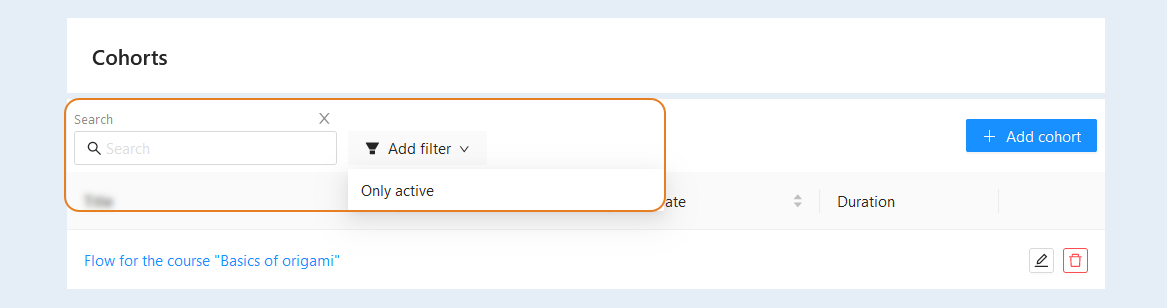
Now the stream has appeared in the list. A search bar and a filter are available to you at the top of the page. Use them to quickly find the right stream.
- Search. Free keyword search.
- Only active. This filter allows you to select only active streams and hide those that have already passed.
To customize the stream, click on the name or the edit button. A tab opens for configuring the flow.
General information
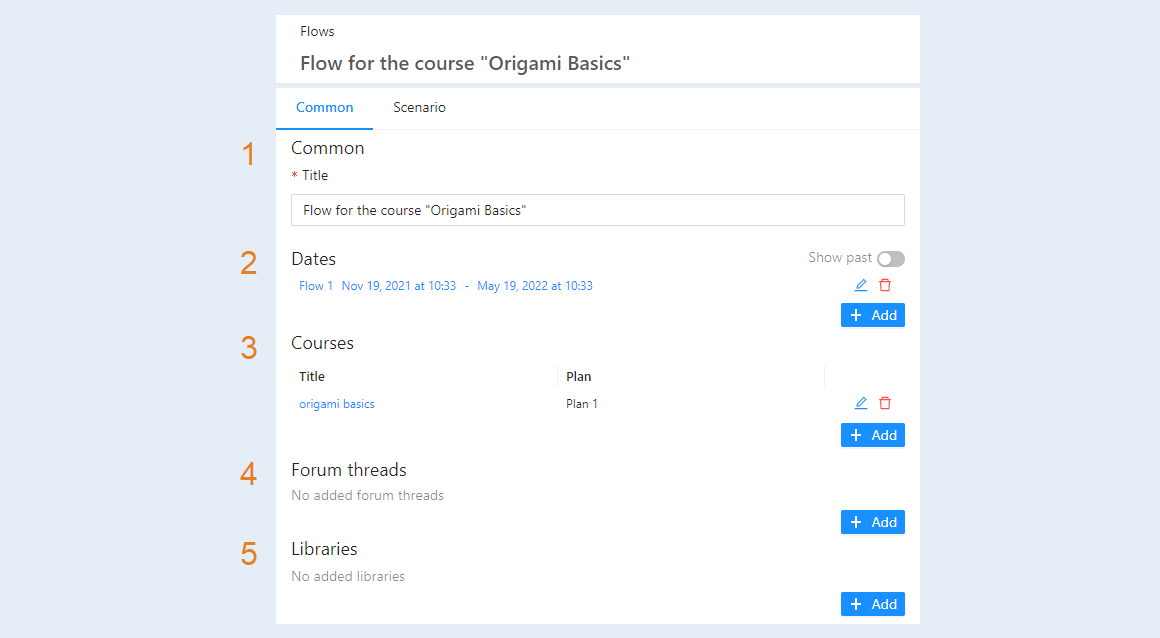
In this section, you manage the products (courses) that are included in this flow. Fill in the flow information:
- Name. Write the name of the flow for this product (course).
- Dates. Set the validity dates of the flow. Select the date and time when the flow will start. And then set the date and time when the flow will stop.
- Courses. Add plan to the flow.
- Forum branches. You can add a forum thread to communicate with customers.
- Libraries. You can link libraries to this flow.
After you have completed your flow settings, you need to create a flow script. Read more about how to do this in the article "Flow scenario".