Everything in the previous lessons can also be done by asking. The AI Assistant works in your account: it can find data and create pages, broadcasts, courses, quizzes and automations from a request in plain words.
Open the Assistant
Click AI Assistant in the menu, or type in the box on the home page. Start a new chat or continue an earlier one.
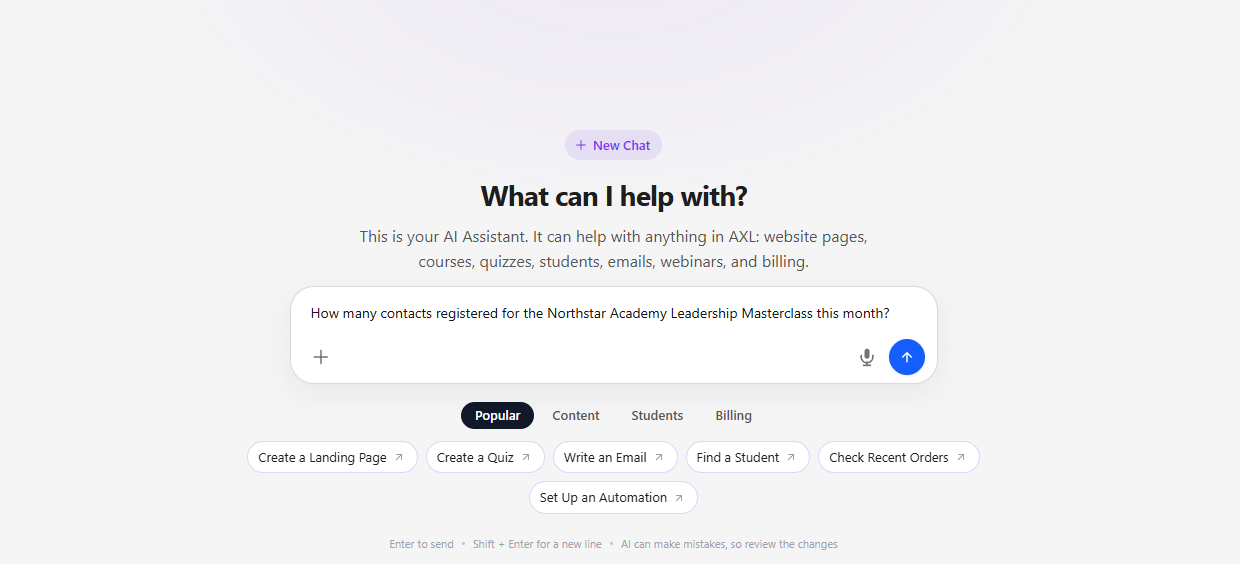
Describe the Result
Say what you want to get, not which buttons to press. Mention the goal, the audience, dates and the status you want, for example: "Create a landing page for a leadership consultation with a booking form. Keep it as a draft." If something is missing, the assistant asks.
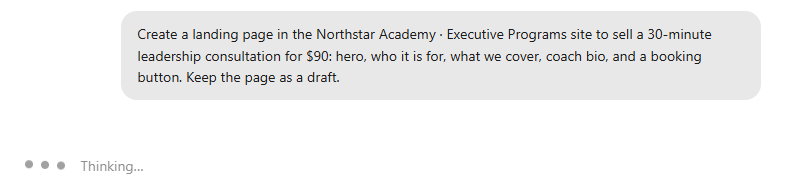
Review What It Made
The assistant answers with a summary and cards for everything it created. Open each card, check the content and settings, and publish or turn things on only when they are right.
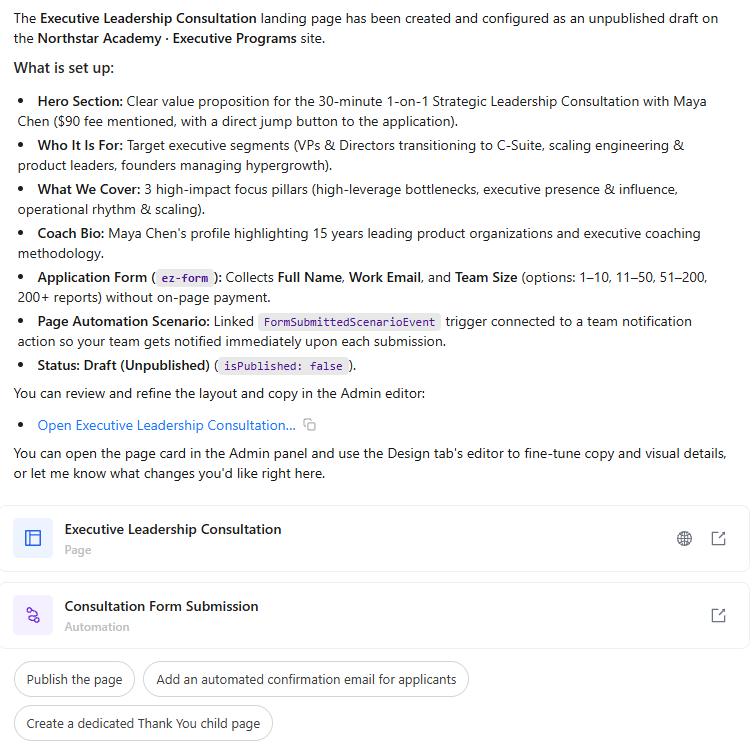
Important: the AI Assistant is a paid feature; its usage is billed to your account. More in "AI Assistant".
That's the end of the Quick Start. To go further, open any section of this knowledge base from the menu on the left.