To take money in AXL, you need two things: a payment gateway that charges the customer, and a product to sell.
Connect a Payment Gateway
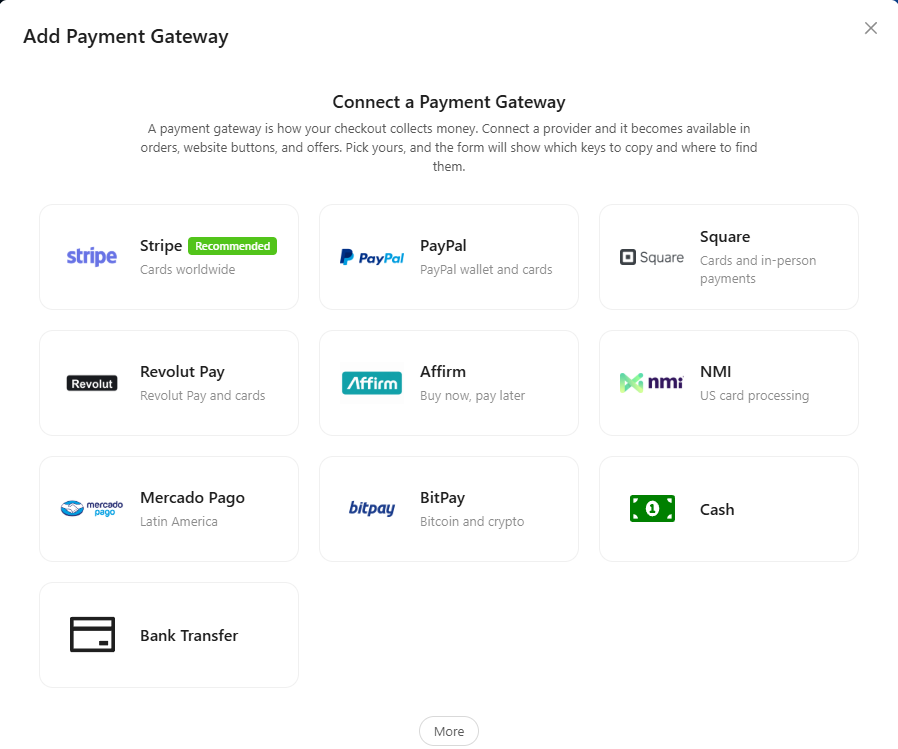
- Open Settings → Payment Gateways and click Add Payment Gateway.
- Choose a provider, for example Stripe. The form shows which keys to copy from the provider's account and where to find them.
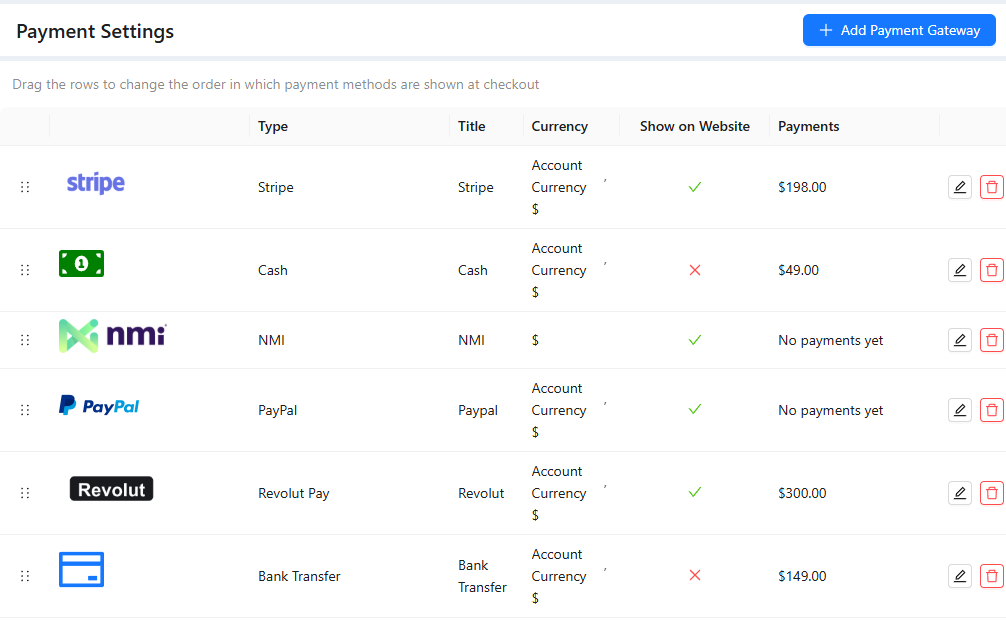
- Check Show on Website to offer this method on your website, then save.
Connected gateways appear in the list with the payments they took. Drag the rows to change the order of payment methods at checkout. See "Payment Gateways" and "Stripe Settings".
Create a Product
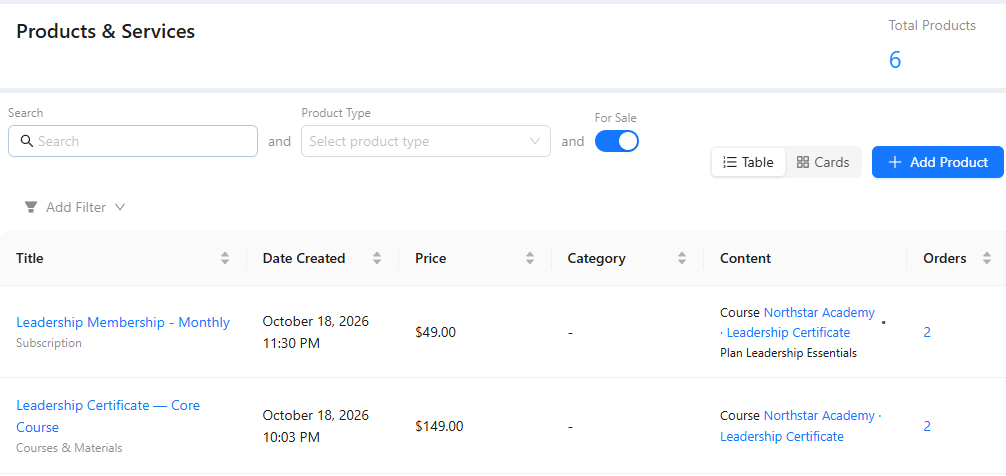
Open Sales → Products & Services and click Add Product. Enter the public name and the price, and choose what the buyer gets, for example access to a course. See "Products and Services".
Sell It
The quickest way to sell is a payment form for the product on a page of your website: see "Site Pages". You can also create an order for a specific contact and send them its payment link: see "Create an Order".
When the order is paid in full, it is completed and the buyer gets access to what the product includes automatically. Paid orders appear in Sales → Orders and on the contact's card.