Telephony gives your account its own phone numbers. Your team calls customers and takes their calls right in the browser, sends and receives texts, and an AI voice agent can answer calls or call a list of contacts for you. Calls can be recorded, transcribed and summarized by AI, and every call is saved on the contact's card, so the whole team sees the conversation history.
Everything is under Communications → Telephony. The section is available to team members with the Telephony permission.
Turn Telephony On
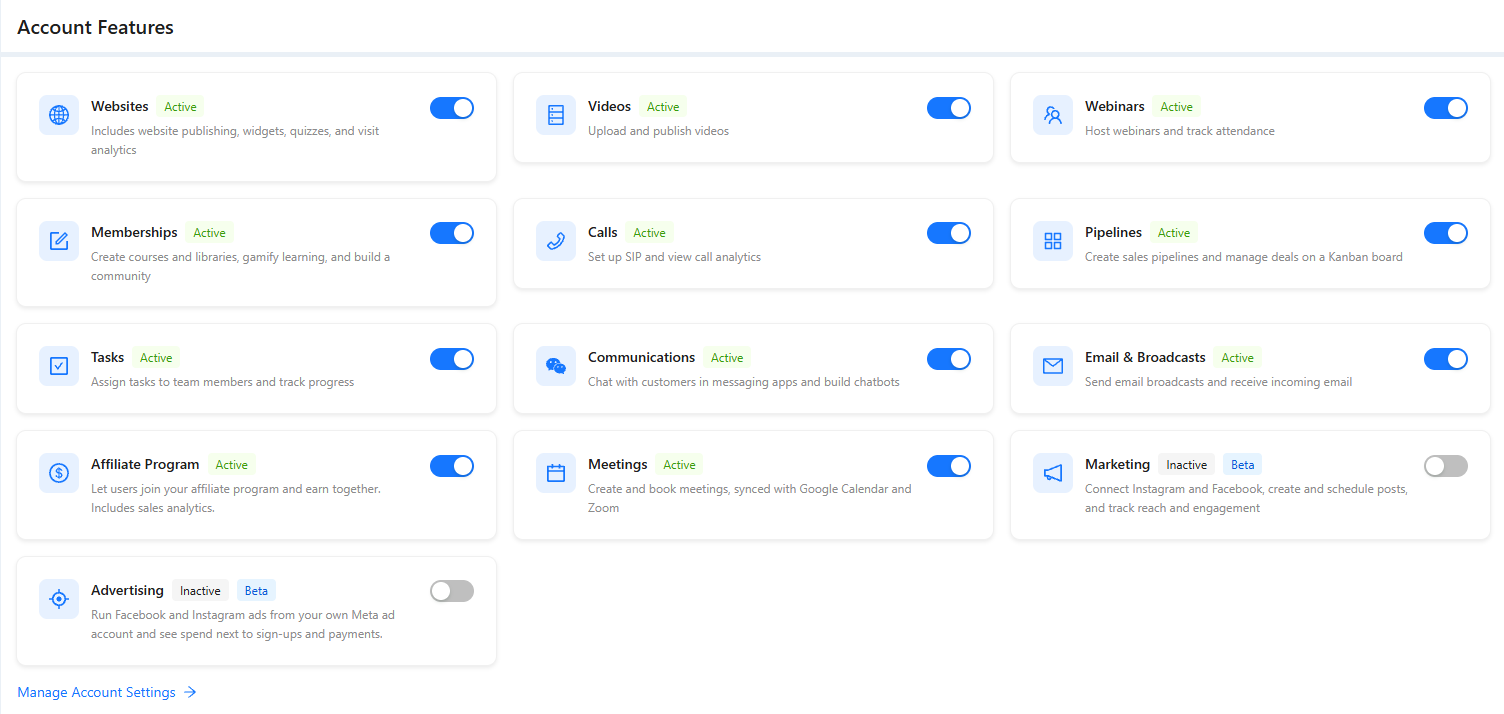
If Telephony is missing from the menu, open Account Features at the bottom of the menu and turn on Calls.
What Each Tab Is For
- Numbers: the phone numbers of your account, each number's settings and the people who work it. See "Phone Numbers" and "Incoming Calls".
- Call Settings: the countries your account can call and the list of call outcomes. See "Call Settings".
- SMS Registration: the business registration carriers require before your numbers can send texts. See "SMS and SMS Registration".
- Analytics and History: call statistics and the list of every call with its recording, transcript and cost. See "Call Analytics".
- Call Campaigns: an AI voice agent calls a list of contacts for you. See "Call Campaigns".
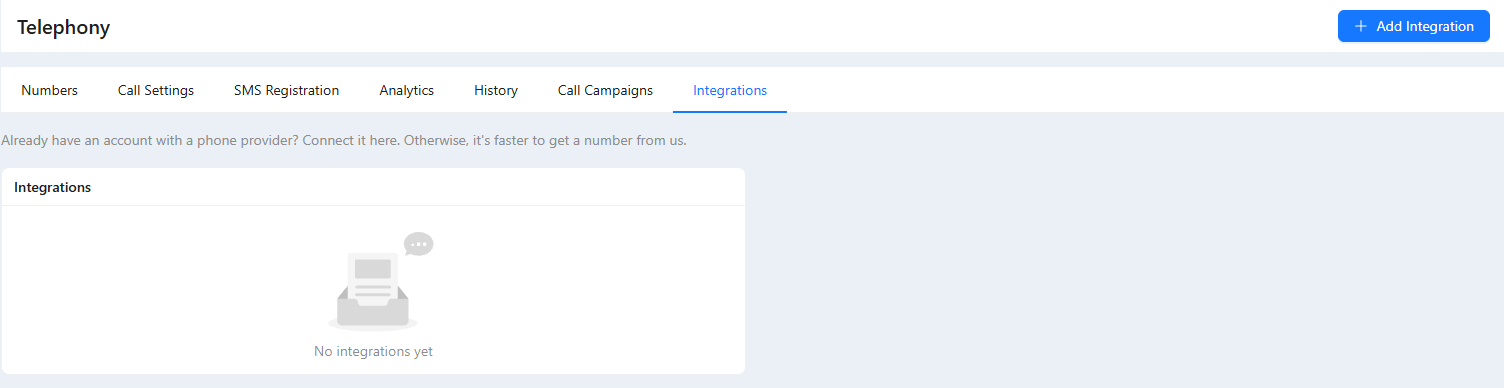
- Integrations: connecting a telephony provider you already use instead of AXL numbers. See below.
Set It Up Step by Step
- Connect a number: Add Number on the Numbers tab. See "Phone Numbers".
- Decide who answers calls to it: your team, a phone you forward to, or an AI voice agent. See "Incoming Calls".
- Add the team members who work the number and make calls from the browser. See "Calls in the Browser".
- If you want an AI to answer or make calls, create a voice agent. See "AI Voice Agents".
- To send texts, complete SMS registration. See "SMS and SMS Registration".
- To call a list of contacts with the AI agent, create a call campaign. See "Call Campaigns".
What It Costs
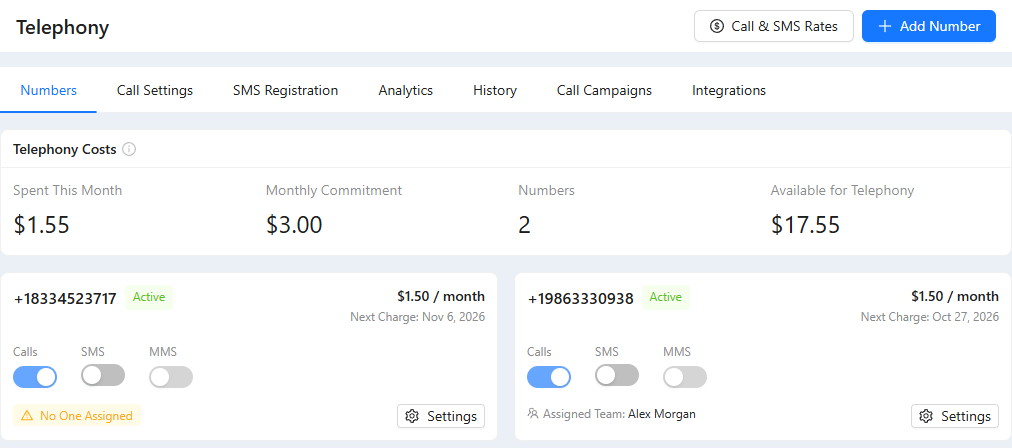
The Telephony Costs card on the Numbers tab shows what you spent this month, the monthly fee for your numbers, how many numbers you have, and how much money is available for telephony.
- Numbers, calls and texts are paid from your account balance. Bonuses and the credit limit can't be used for telephony, so keep real money on the balance or turn on auto-recharge in Settings → Billing.
- Recording transcription, call summaries and AI voice agent minutes are billed as AI usage.
- The exact prices for your account are in Call & SMS Rates on the Numbers tab. See "Phone Numbers".
Your Own Telephony Provider
If your team already works with Zadarma, OnlinePBX, Novofon, Mango Office, RingCentral, Kcell or Twilio, you can connect that account instead of buying AXL numbers. Open the Integrations tab, click Add Integration, choose the provider and enter the keys from its account. The integration then has its own tab with its settings: whether to save and transcribe recordings, extensions for your team members and, for some providers, the provider balance. Calls through such an integration are billed by the provider, not by AXL. For an example, see "Connecting IP Telephony from Zadarma".